Editing a User Profile / Deleting Users
Editing a User
Click a user on the USERS page to edit it on the User Setup page. See the previous procedure for details on the information you can change.
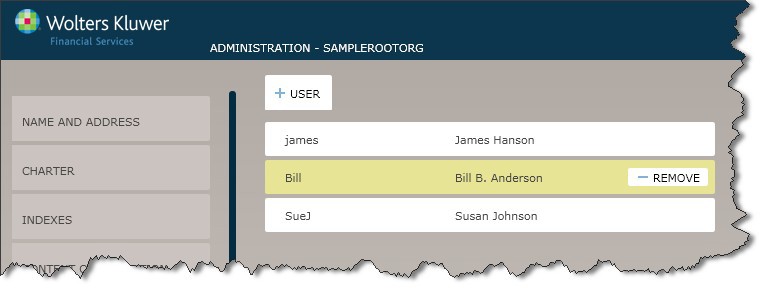
Deleting Users
To delete an OPPSA user, hover the cursor over the user on the USERS page and select Remove.