User Login: All Users
This procedure describes how all users access OPPSA.
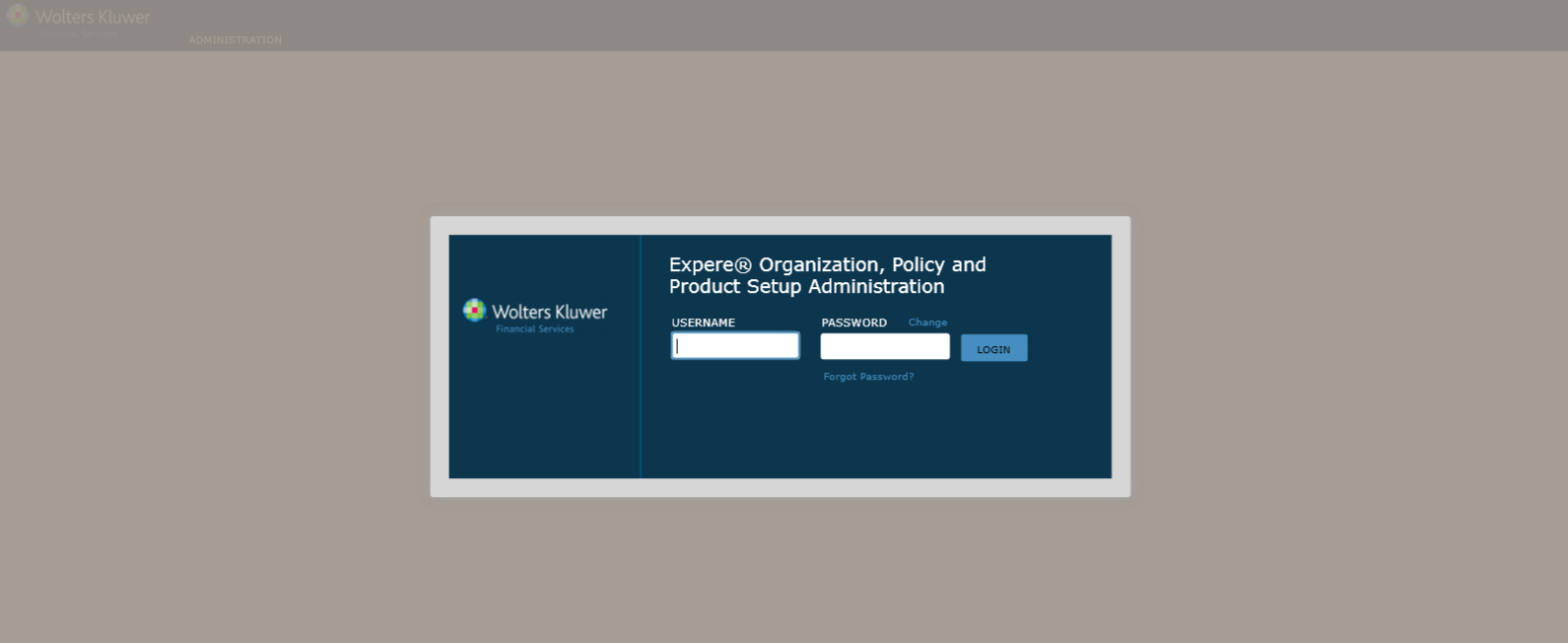
- In a web browser, open OPPSA. The OPPSA Login page appears.
Feature Description Password
- Minimum 8 characters
- Contain 3 of the 4 character groups: o Alpha-Uppercase
- Alpha-Lowercase o Numeric
- Special Characters
- Must be different than current password.
- Passwords must be changed every 90 days.
1st Time Login
- Users logging in for the first time will be prompted to perform a password change. See Change a User Password section.
Unsuccessful Login
User account will lock after five failed login attempts. Contact your systems administration to unlock your user account.
Minimum Password Age
The Default minimum password age is 48 hours. User may not change password prior to 48 hours of last password change.
Password Attempt Window User account will be locked if the number of invalid login password attempts is exceeded within 1440 minutes (24 hours). - Enter your Username and Password in the appropriate fields.
- Click Login. The organizations to which your user profile has access display on the Organizations page.