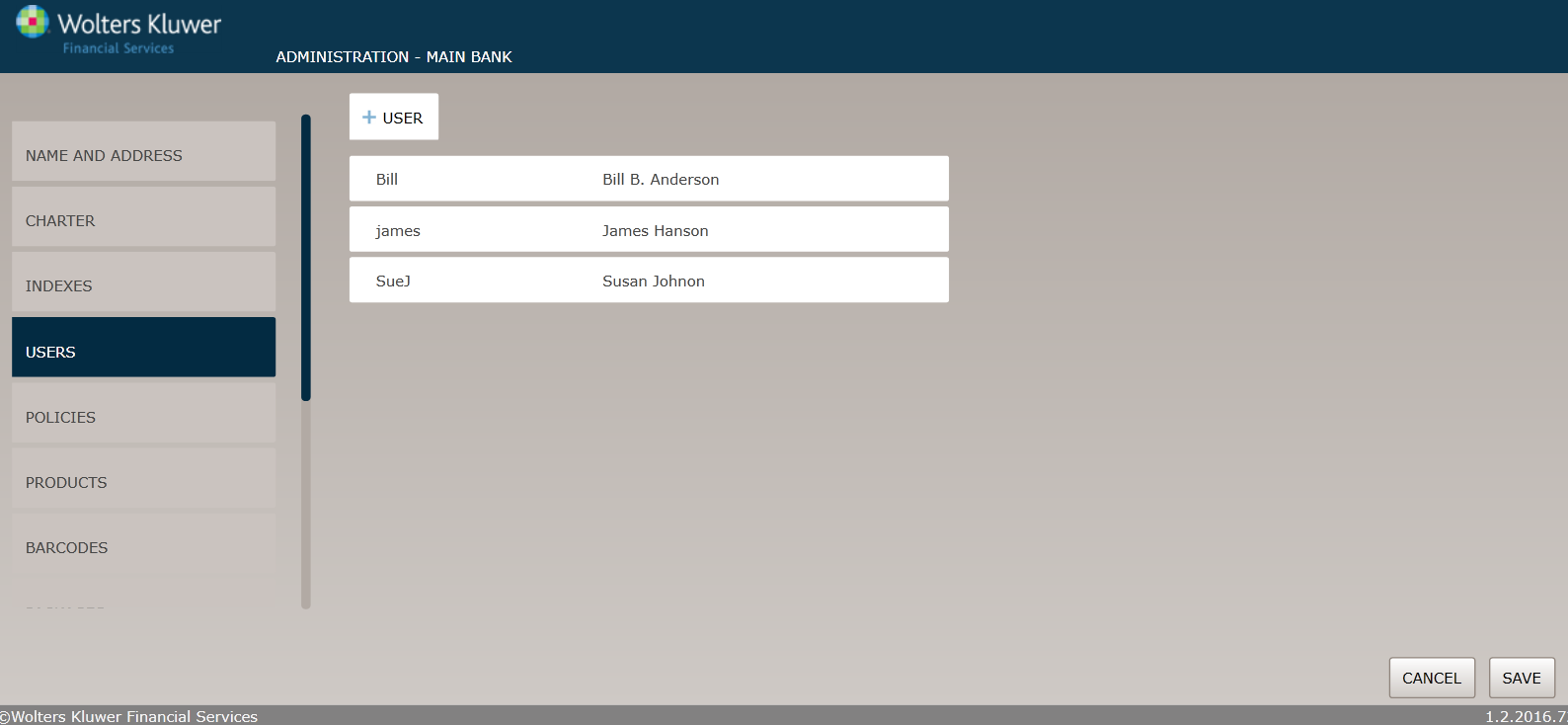
Creating Users
To create a new user, perform the following procedure:
- On the User page, click the User button to display the User Setup page.
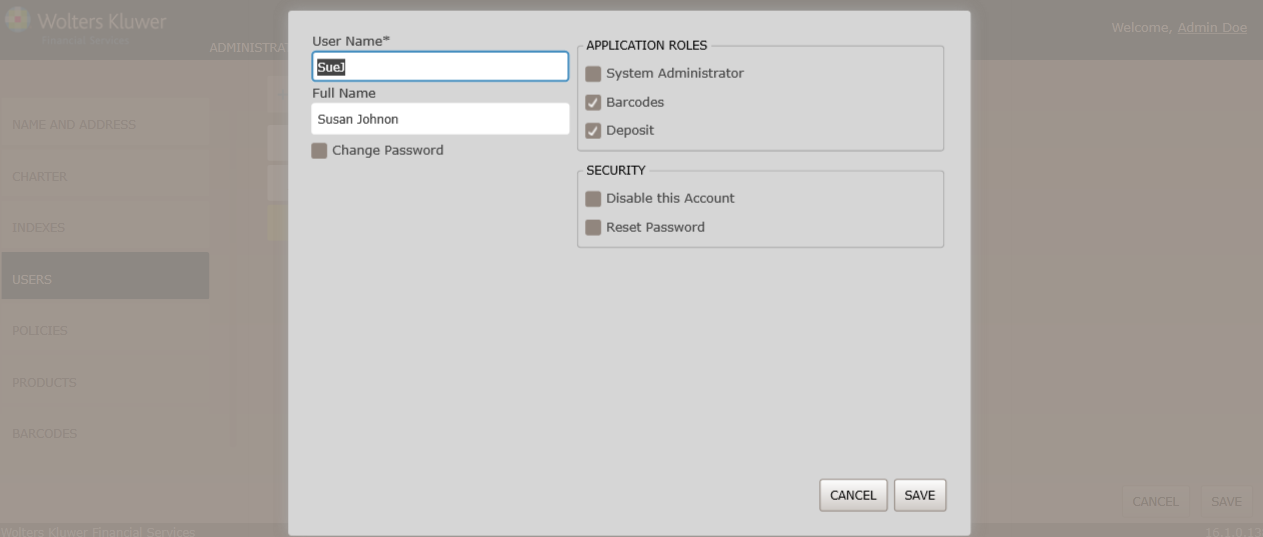
- Enter the following information:
- User Name. (User Name is limited to the following characters: alphanumeric, apostrophe, hyphen, at sign (@), period, space, and underscore. Using any other characters will result in errors being displayed.)
- Full Name. (Full Name is limited to the following characters: alphanumeric, apostrophe, dash, comma, period, and underscore. Using any other characters will result in errors being displayed.)
- Password/Confirm Password
- Select the Application Roles for the user.
- Click the Save button. The User page appears; the user you just created appears at the bottom of the list.