Creating a Policy
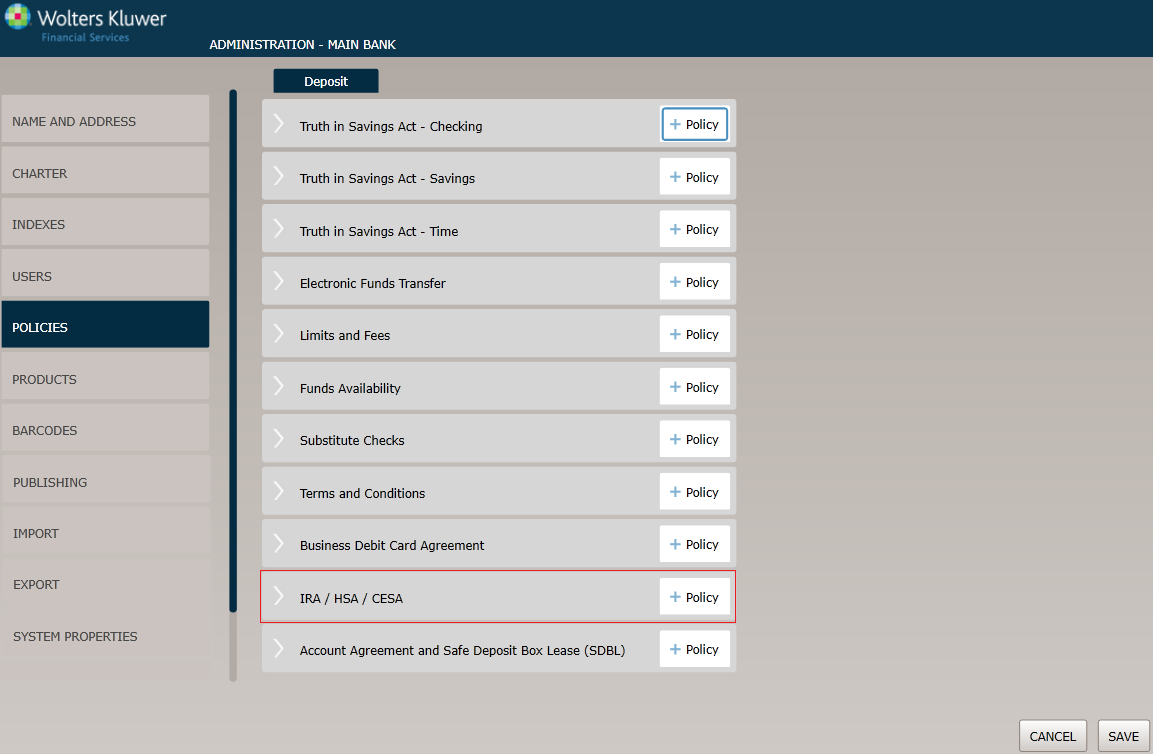
Select the Policies menu option and click the Policy button for the IRS / HSA / CESA option.
Before You Begin: Saving Your Changes
Click the OK button at any time to save the policy information and make it available to OPPSA users; however, keep in mind that the policy will close and save the information when you click OK. You will have to go to the menu page and open the policy again to make additional changes.
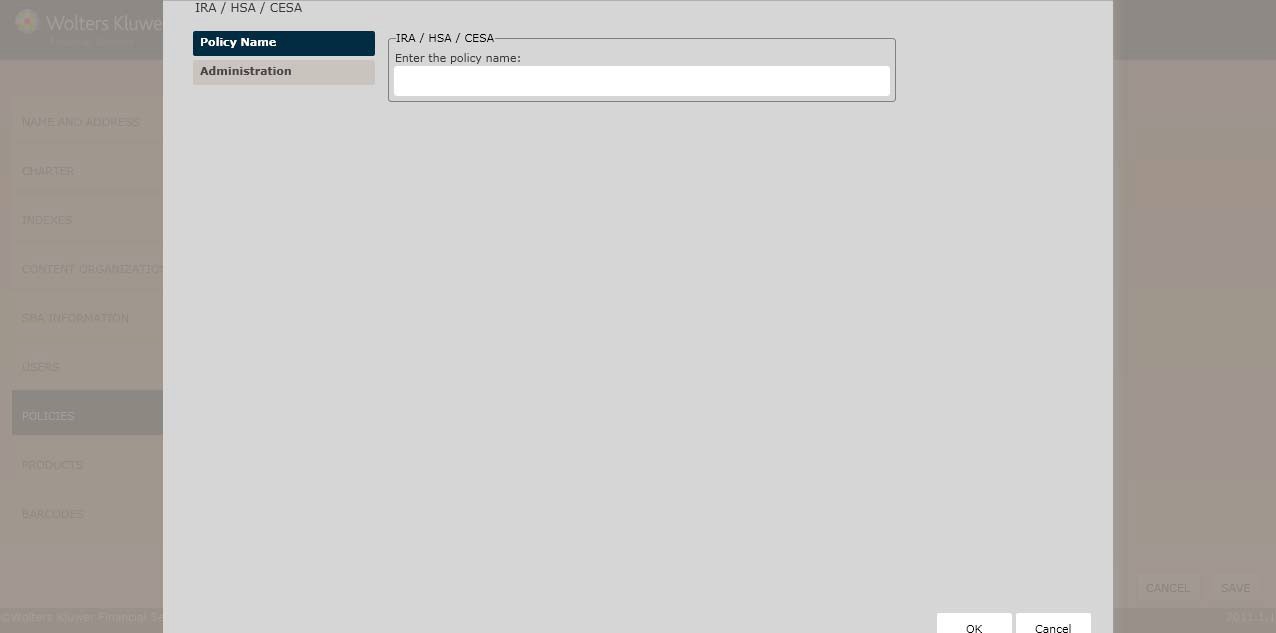
Policy Name / Owner page
Enter the policy name. The Policy Name / Owner page appears by default. Complete this page and then click the option immediately under Policy Name to continue.
Administration
This page allows you to establish who will administer the policy.
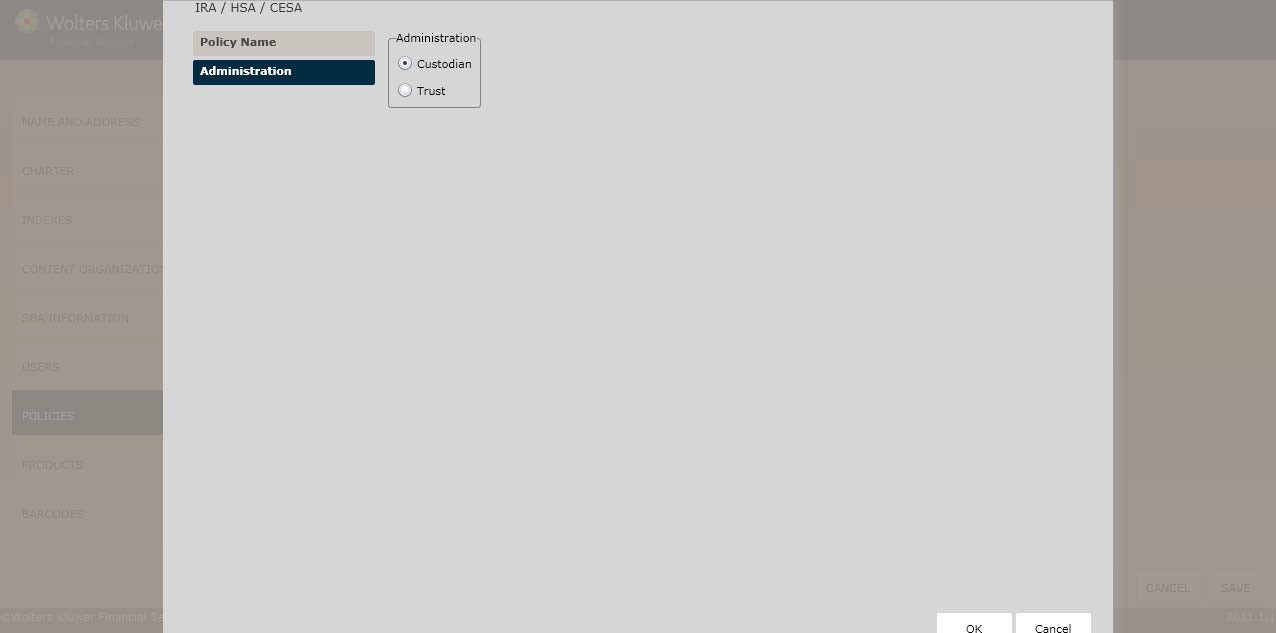
Select one of the following:
- Custodian
- Trust
Click OK to complete the IRA/HSA/CESA process. The policy is now available to OPPSA users.
How Do I View and Manage the New Policy?
For information on displaying, editing,copying or deleting policies, see Creating and Managing Policies.