Creating a Policy
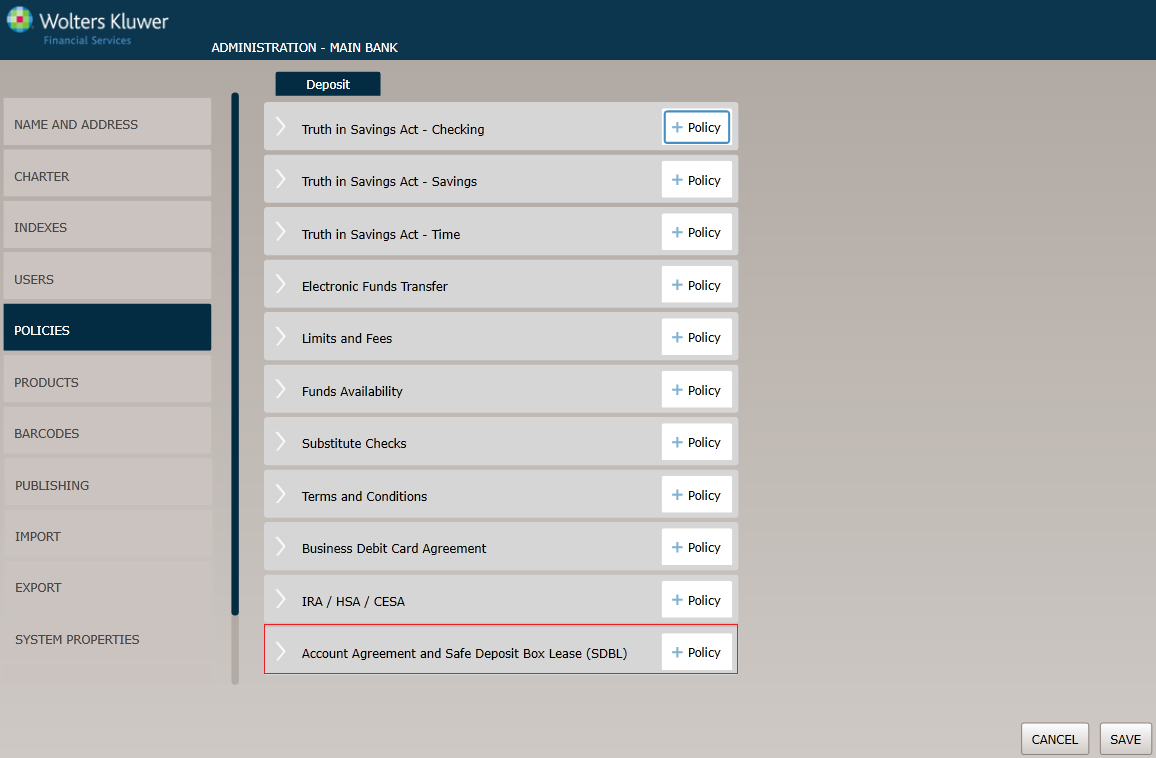
Before You Begin: Saving Your Changes
Click the OK button at any time to save the policy information and make it available to OPPSA users; however, keep in mind that the policy will close and save the information when you click OK. You will have to go to the menu page and open the policy again to make additional changes.
Policy Name / Owner page
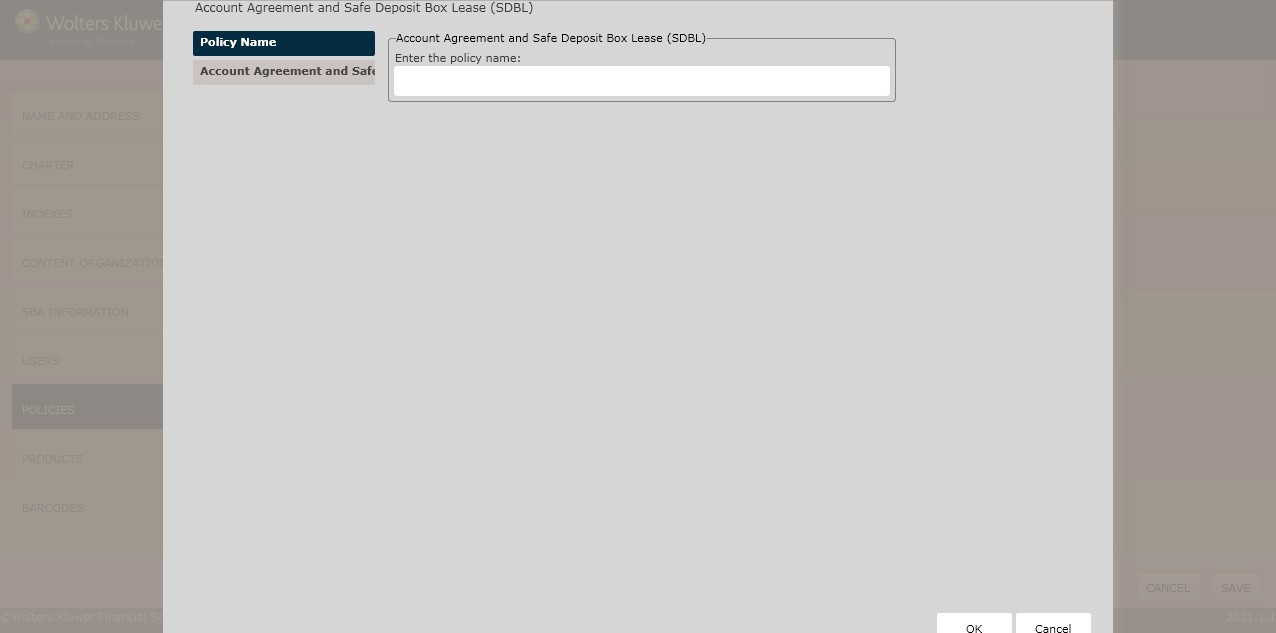
Account Agreement and Safe Deposit Box Lease (SDBL) page
This page allows you to configure the following:
- Customer Information Program Information
- Customer Information Addendum
- Backup Withholding Certification Format
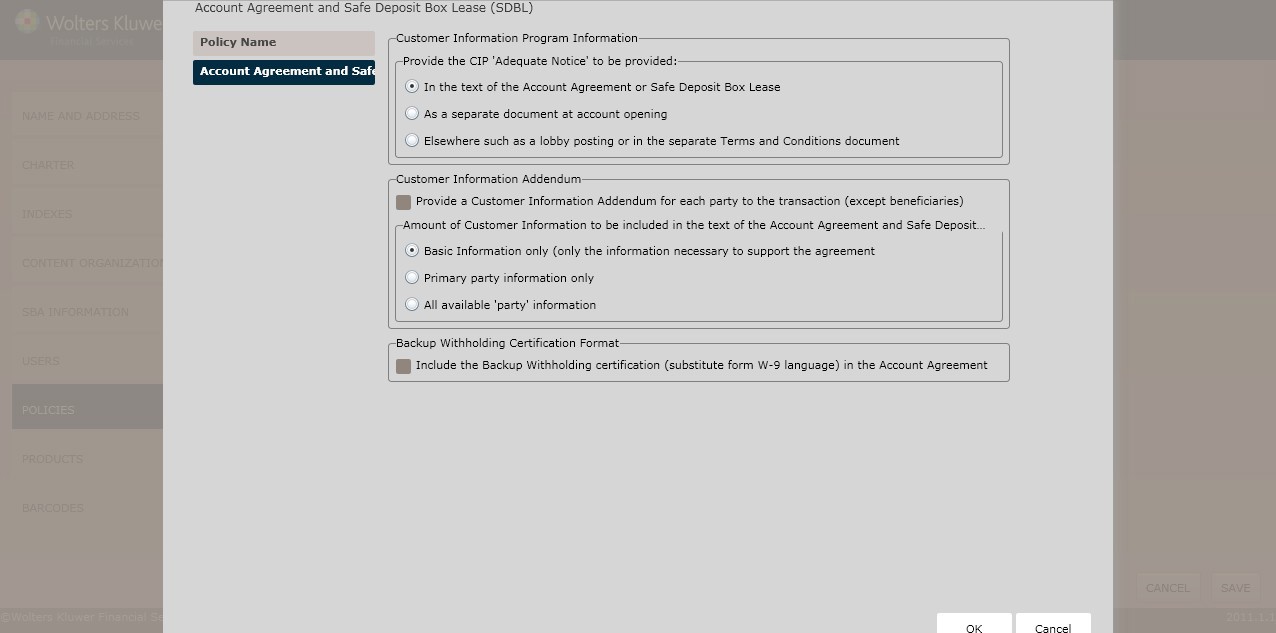
Customer Information Program Information
Determine the location of the CIP 'Adequate Notice' by selecting one of the following options:
- In the text of the Account Agreement or Safe Deposit Box Lease (*default)
- As a separate document at account opening
- Elsewhere such as a lobby posting or in the separate Terms and Conditions document
Customer Information Addendum
To provide a Customer Information Addendum for each party to the transaction (except beneficiaries), select the corresponding checkbox.
Determine the amount of customer information to be included in the text of the Account Agreement and Safe Deposit Box Lease by selecting one of the following options:
- Basic Information
- Primary party information only
- All available 'party' information
Backup Withholding Certification Format
To include a Backup Withholding Certification, select the Include the Backup Withholding certification (substitute form W-9 language) in the Account Agreement checkbox.
Select one of the following from the Backup Withholding certification in the Account Agreement (Substitute form W-9 Preference) section:
- Substitute W-9 incorporated into the signature section of the Account Agreement
- Substitute W-9 at the end of the Account Agreement (requires separate signature) Click OK to complete the policy creation process. The policy is now available to OPPSA users.
145
Deposit Policy Setup
How Do I View and Manage the New Policy?
For information on displaying, editing,copying or deleting policies, see Creating and Managing Policies.