Attaching Documents
Documents can be attached and sent with an WK E-Sign package. Attach documents when you are ready to sent a package using WK E-Sign. Attached documents will not be saved with the transaction after you leave the Print page.
To attach a document:
- Select Add Documents.
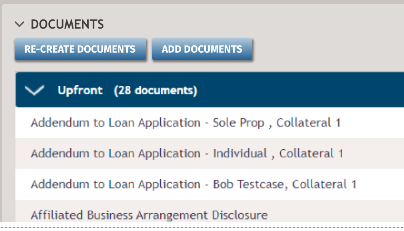
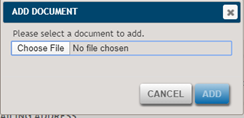
- Select Choose File. Locate and select the file.
- Select Add.

Note: If you clear the Use WK E-Sign Interactive
Signing option, the attached documents are removed from the Attached
Documents list.