Enabling Wolters Kluwer E-Sign Interactive Signing
To use E-Sign Interactive Signing, the feature must be enabled in Administration and your organization must be licensed for the WK E-Sign Interface.
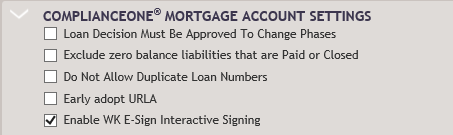
To enable interactive signing, select Enable WK E-Sign Interactive Signing in the ComplianceOne Mortgage Account Settings section on the Accounts Basics page in Administration.
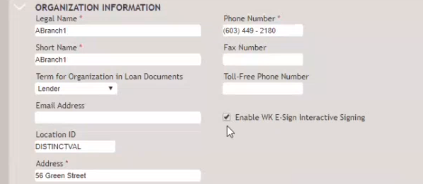
If you want the option to default as selected in transactions for an organization, select Enable WK E-sign Interactive Signing on the Organizations page in Administration.
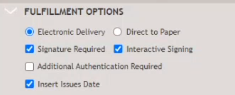
The Use WK E-Sign Interactive Signing option will display selected in the Fulfillment section on the Print page.
Note: If the Use WK E-Sign Interactive Signing option defaults as selected,
it can be changed at transaction time.