View Archives Screen
The View Archives screen provides the ability to view the archives that have been created
during previous publishing sessions and also the ability to remove them from your system.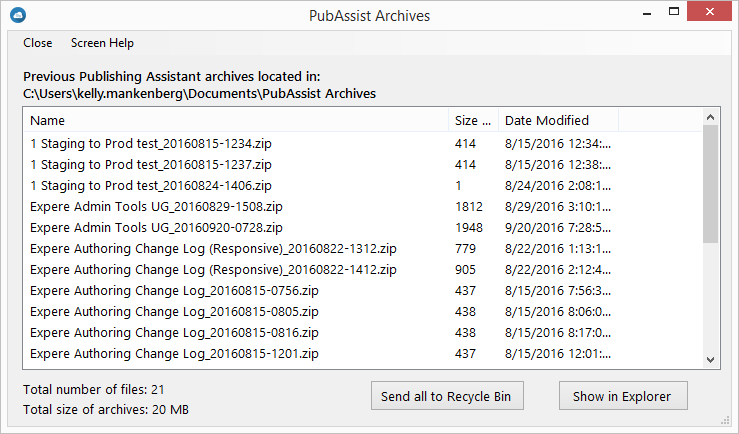
- The text above the list displays the current location of the archives.
- Click Send all to Recycle Bin to remove all archives from the archive location. As these are sent to the Windows Recycle Bin, they can be restored.
- Clicking Show in Explorer opens Windows Explorer to the archive location. this allows you to work with the archives including recycling, permanently deleting and opening up the archives to view or restore them.
- Click the Screen Help menu command to vivew this page.