Required field indicator
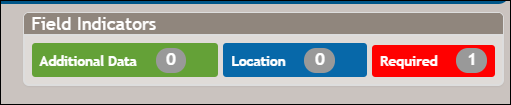
DocViewer allows text fields and single enumerations to be marked as "required." Fields which are marked as required appear with a red outline and totaled in the Required data counter in the upper right corner.
Clicking the red side indicator advances you to the corresponding required field.
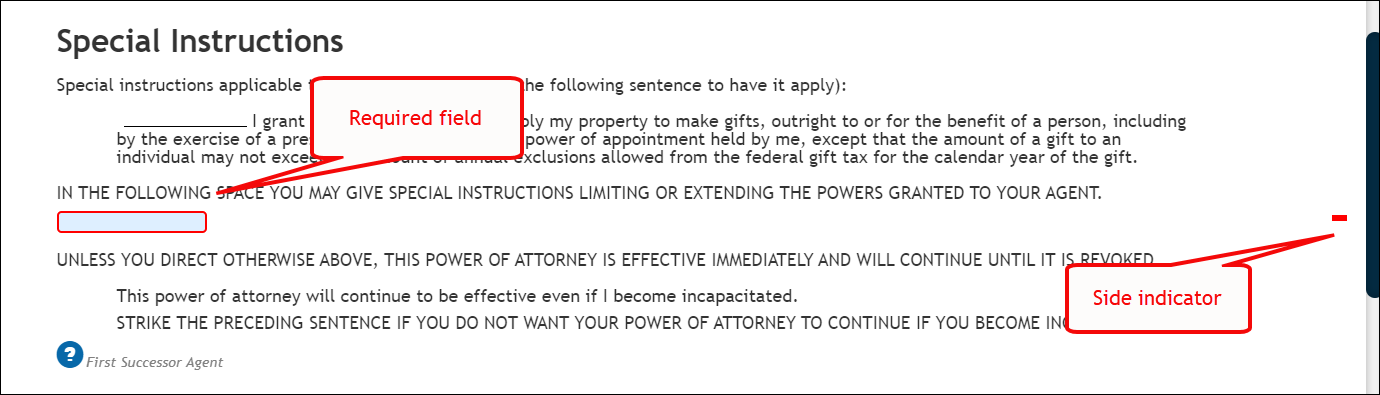
Upon completion of each required field, the red outline disappears (replaced with a standard blue outline) and the Required data counter is updated with the new count.