DONE button
Click the DONE button to create a document(s). This collects data and documents that were marked for .PDF creation in the DOCUMENTS drawer being passed to the application that creates the .PDF files.

If any documents have not been marked as COMPLETED, the following message appears:
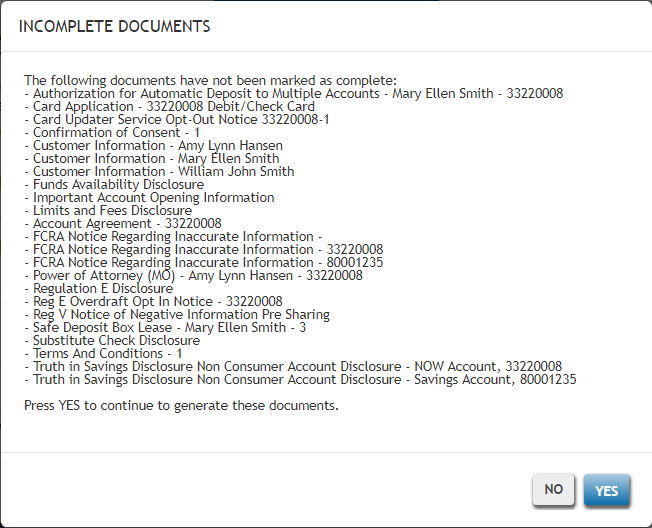
Click YES to generate the above documents; click NO to return to data collection.
Required data/documents validation
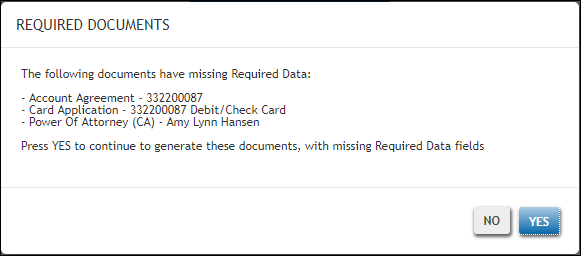
If entering data in documents with required fields, the following warning message will appear if you attempt to submit a document that contains additional required data fields that have not been completed:
- The following documents have missing Required Data: <documents with missing required data listed in a bulleted list>; Select YES to exit DocViewer and save your changes. Select NO to stay in DocViewer and continue entering data.
If clicking OK, the following confirmation message appears:
- Are you sure you want to exit DocViewer with incomplete Required Data fields?
Click Yes to exit DocViewer and save data entry. Click No to return to DocViewer data entry and continue entering data in current document.