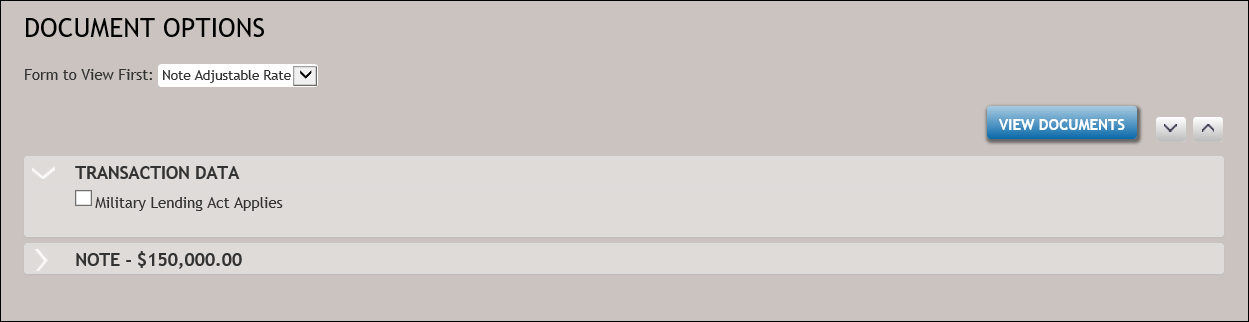
DOCUMENT OPTIONS page
The DOCUMENT OPTIONS page is typically the first page presented when working with multiple documents in DocViewer. The changes made on this page may affect the addition or removal of documents, the name of the document being displayed, and the number of document versions created. This page is unlikely to appear when a single document is requested.
The DOCUMENT OPTIONS page contains the following fields:
Initial views
The page below appears when first accessing the DocViewer. Click the side arrows next to each section to expand or collapse its content.