Enabling Wolters Kluwer E-Sign Interactive Signing
To use WK E-Sign Interactive Signing;
- Your account must be licensed for the WK E-Sign Interface.
- Your WK E-Sign Administrator will need to contact SupportLine via email at e-signsupport@wolterskuwer.com to request that Interactive Signing be enabled for your account.
- Interactive Signing must also be enabled for your organization in Administration.
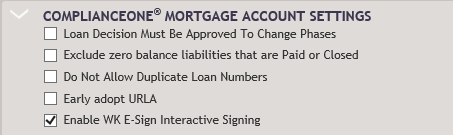
To enable interactive signing, select Enable WK E-Sign Interactive Signing in the ComplianceOne Mortgage Account Settings section on the Accounts Basics page in Administration.
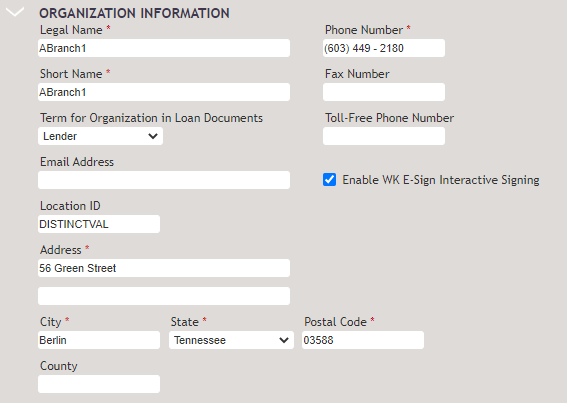
When selected at the account level, the Enable WK E-Sign Interactive Signing on the Organization page in Administration defaults as selected for each organization. This feature can be turned off/on for specific organizations.
Note:
If the Enable WK E-Sign Interactive Signing option is selected, it
can be changed at transaction time.
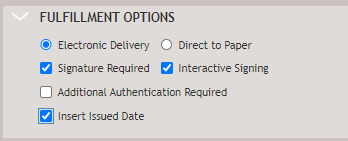
After Interactive Signing has been enabled in Administration, the Interactive Signing option will display in the Fulfillment Options section on the Print page when Use WK E-Sign and Signature Required are selected on the Print page.