In the left pane, select Manage and Configuration.
Select . Select the Document Categories tab.
Hover over the row that includes the disposition to edit, select and Edit.
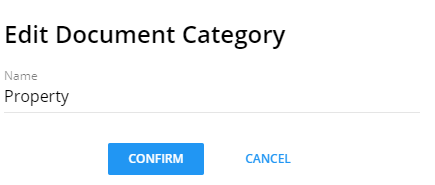
Edit the name and select Confirm to save your changes.
Note:
After the document category is edited, the following areas are updated:
The Document Categories grid
The list of document categories used when adding a custom data item to
collect documents
To use the updated document category, create new tasks referencing the new
category and add to process templates.
The edited document category is not updated on previously created custom
data items. Therefore,the document category name will not update to the new name for
any active or completed process templates and processes.
 . Select the Document Categories tab.
 and Edit.
  Note:
Note: