Editing Dispositions
- In the left pane, select Manage and Configuration.
- Select
 .
. - Hover over the row that includes the disposition to edit, select
 and select
Edit.
and select
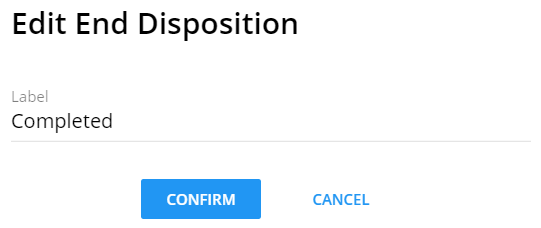
Edit. - Edit the label and select Confirm to save your changes.
 Note:The Type cannot be edited.
After the disposition is edited, the following areas are updated:
- The Dispositions grid
- All impacted process templates
- All impacted active (currently running) processes
For auditing purposes, the previously completed processes are not updated.