In the left pane, select Manage and Configuration.
Select .
Hover over the row that includes the disposition to delete, select and select Delete.
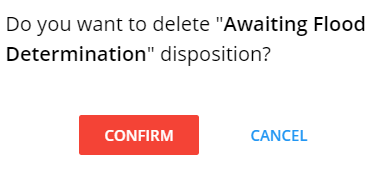
Select Confirm to delete the disposition.
Note:
If the disposition being deleted is already used in a process template, the
confirmation message will show an appropriate warning.
After the disposition is deleted, it is removed from the following areas:
The Dispositions grid
The Stop options (if applicable) when a user tries to stop a process from
the Process Details page
The Pause options (if applicable) when user tries to pause a process from
the Process Details page
From Saved process templates where the disposition was used
From End or Stop options in Process Designer used in configuring a new
process template
A deleted disposition will remain in process templates in a Ready state. All
current and future processes started from a process template in a Ready state will
continue to reference this disposition. The completed processes will continue to
reference deleted dispositions for auditing purposes as well.
 .
. and select Delete.
 Note:
Note: