Creating a Document Category
- In the left pane, select Manage and Configuration.
- Select
 .
. - Select
 .
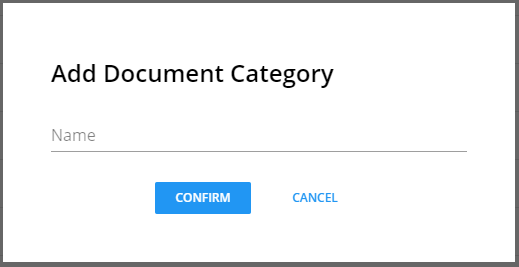
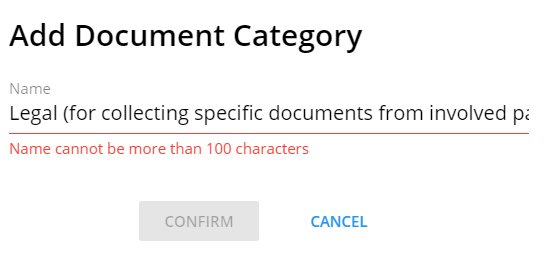
. - Enter a name for the document category and select Confirm.
 Note:
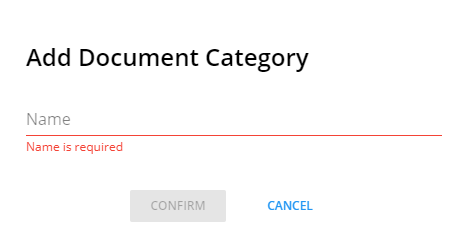
Note:- Entering a name is required.
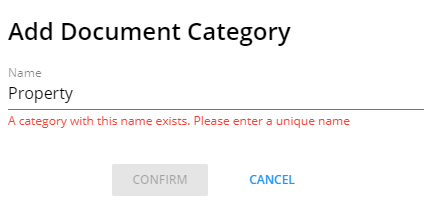
- Each document category name must be unique.
- The name cannot have than 100 characters.
- Entering a name is required.
Note:
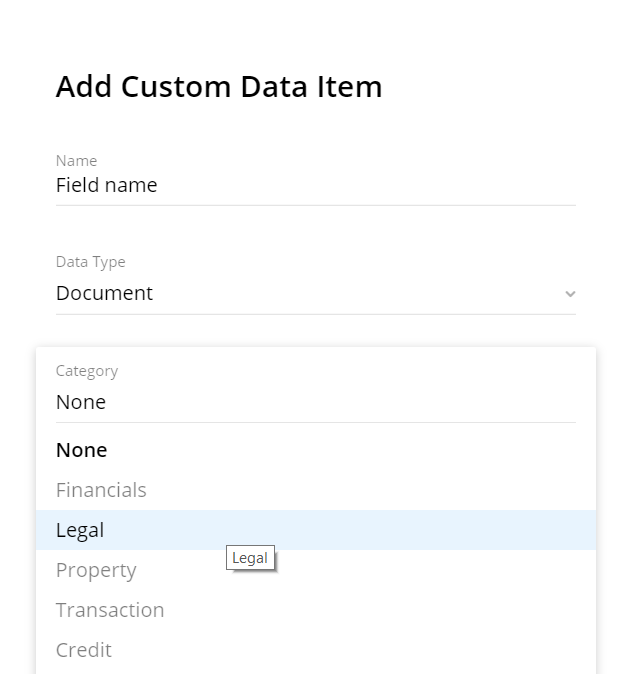
Document categories are available when adding a custom data item for CASH Workflow data
entity types (Product, Customer, Collateral). See the example below: