Download
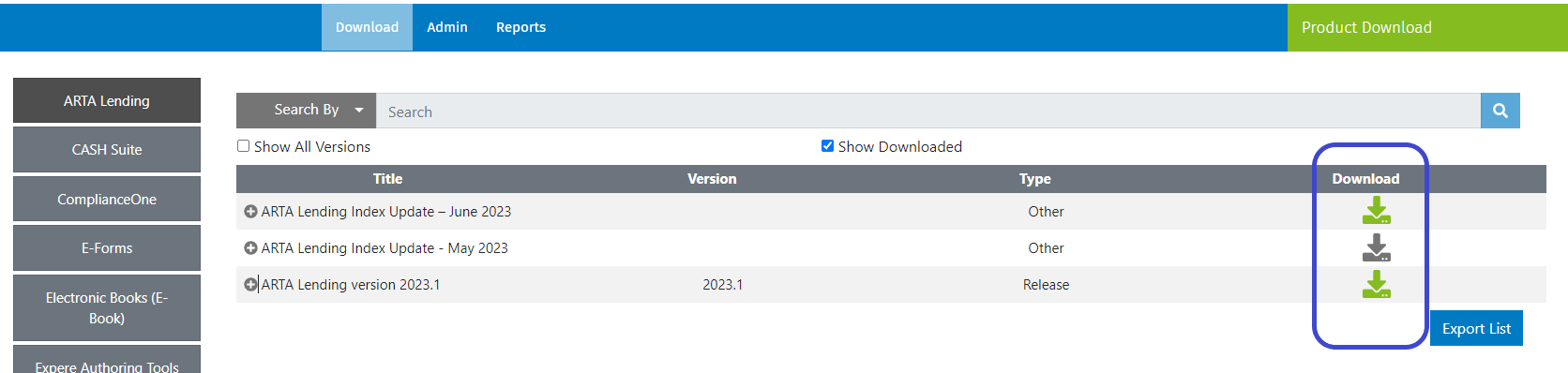
Select the green down arrow  to download a material. A grey down arrow
  indicates
the material has been downloaded but can be used to download the material again if
needed.
indicates
the material has been downloaded but can be used to download the material again if
needed.
E-Forms
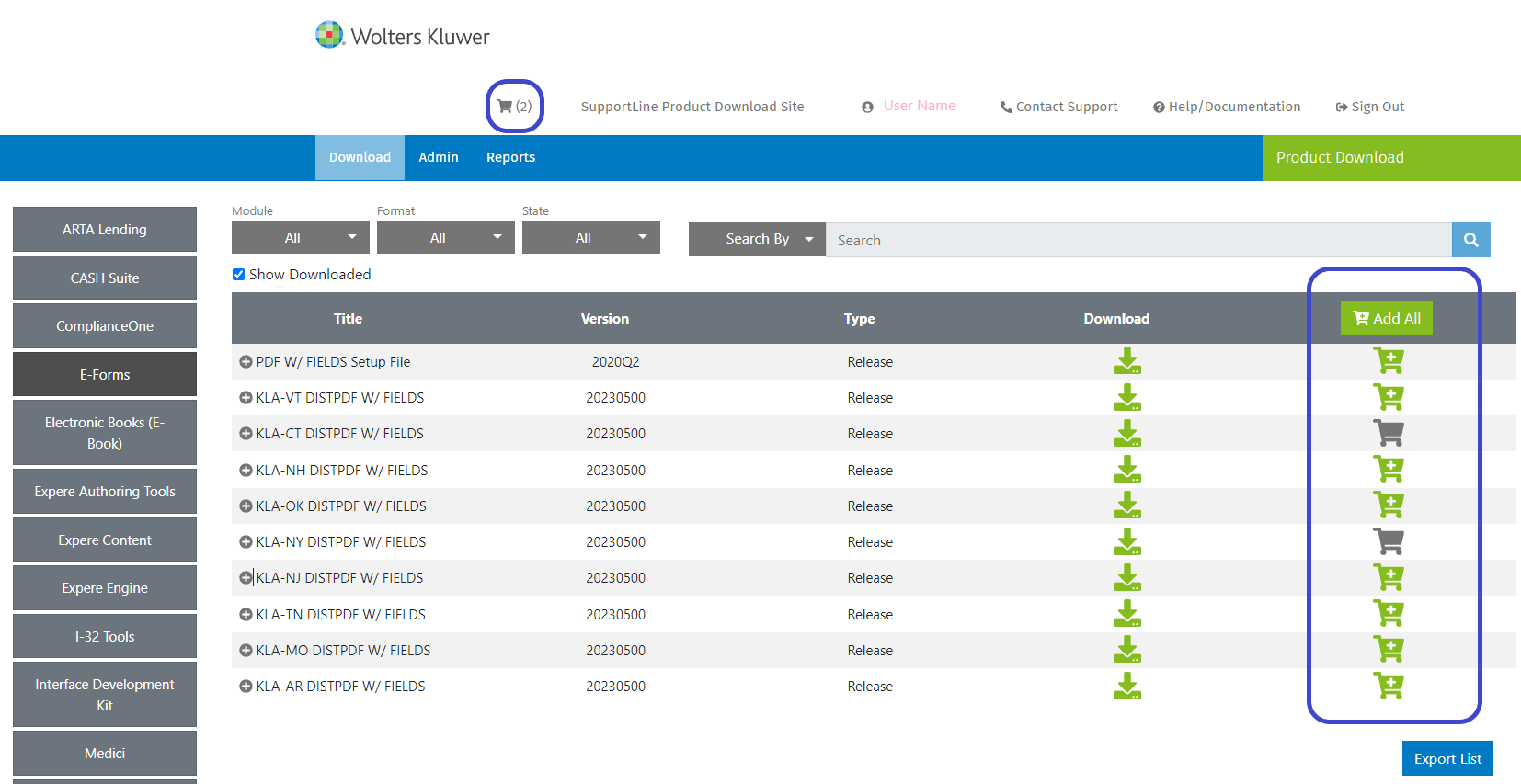
- For E-Forms, a shopping cart also displays. You can add a single item
or multiple items to your cart and then download all items in your cart together.
- A green cart indicates the material has not been moved to the cart.
- A gray cart indicates the material has been moved to the cart.
- Select Add All to move all filtered materials to the cart.
- The cart symbol displays at the top of the page after you have
added materials to the cart.
Your cart displays at the top of the home page. Open your cart to download all the items in your cart.