Edit a User
To edit a user:
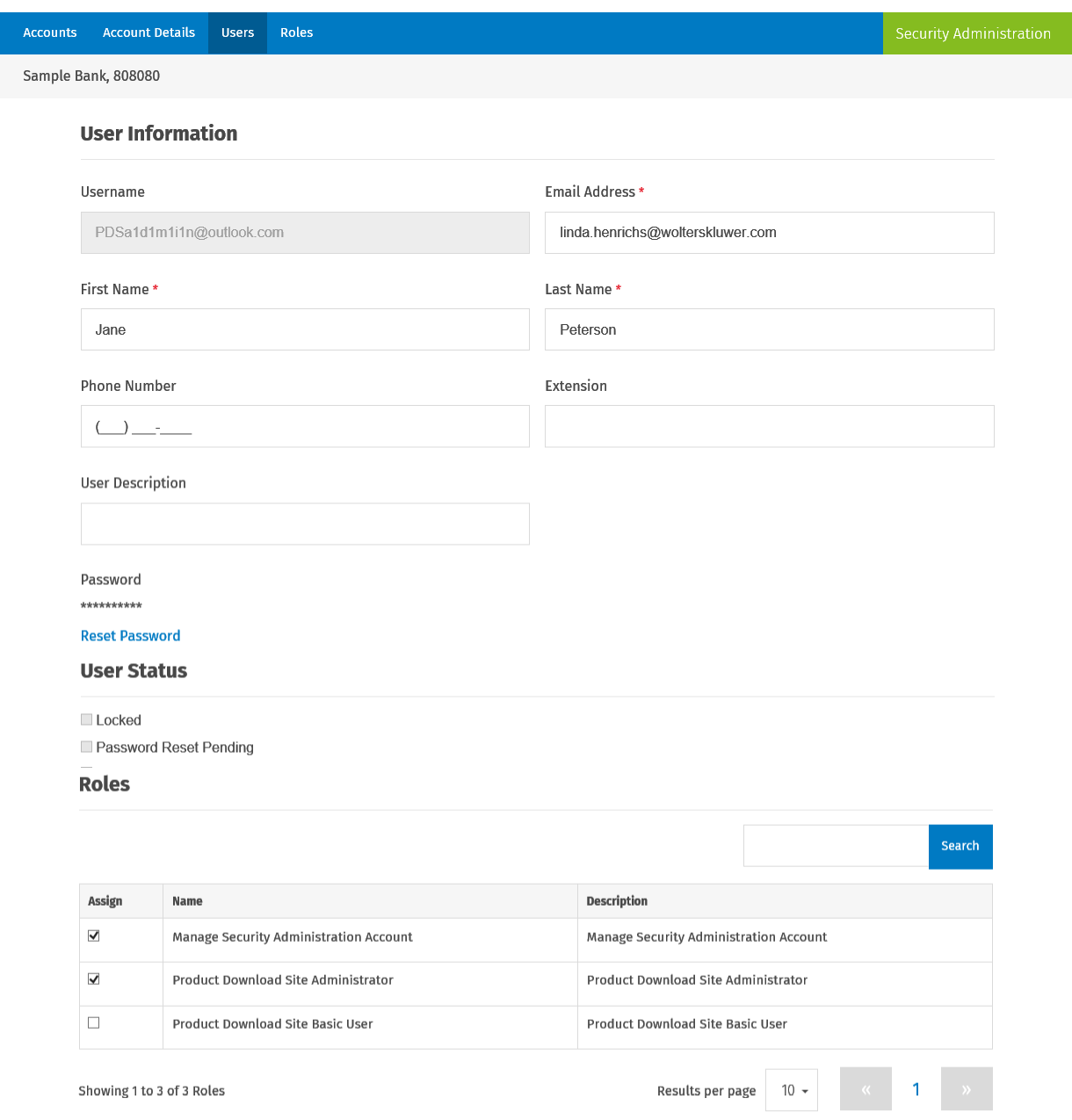
- Select the user on the Users page and make your changes.
- Reset Password: If the user has locked themselves out of the system or cannot get the Change Password to work, select Reset Password to send an email to the user to set up a new password.
- Locked: If the Locked option is selected, the account is locked. An account is locked after five failed login attempts, or two failed responses to challenge questions. Clear the Locked option to unlock the account.