Add a User
To add a user, complete user information and select roles.
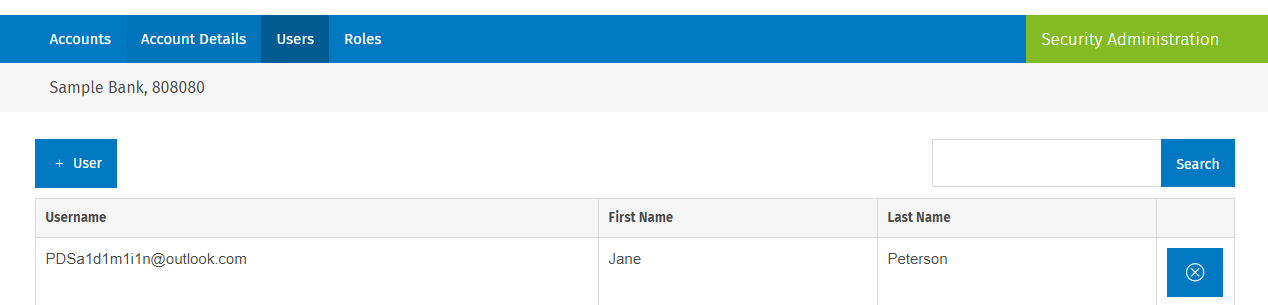
- Select
 .
.
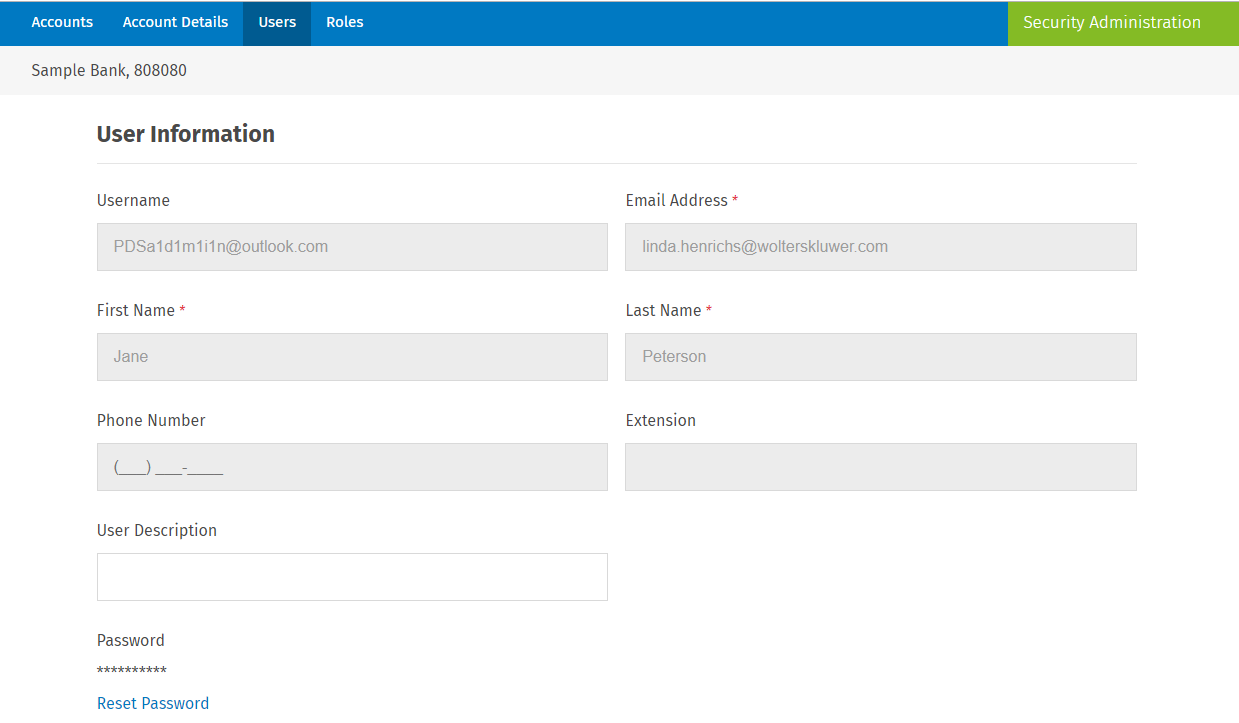
- Enter a username that is a valid email address. Enter a user description
(optional).
- Select the role(s) for the user and select Save.
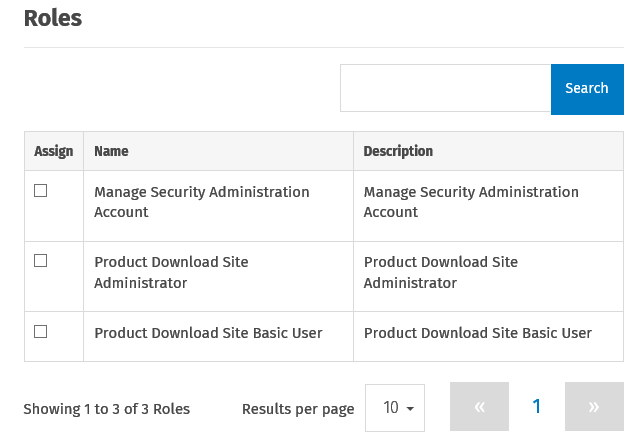 Note:Typically, the Product Download Site Administrator and Product Download Site Basic User roles created for the Product Download Site will meet your requirements. If you add roles, review your users and make the appropriate changes. For additional information on roles, access Help in Security Administration.Note:
- Manage Security Administration: Select this option to give a user permission to manage users in Security Administration.
- Product Download Site Administrator: Select this option give a user permission to manage functionality on the Product Download Site.
- Product Download Site Basic User: Select this option to give a user permission to download product materials on the Product Download Site.
Note:After you set up a user, an email is sent to the user requesting they register by setting up a password and answering security questions.