Modifying/Entering Content into Required Fields and Changing a Password
Perform the following steps to Modify/Enter Required Fields and Change a Password:
- Modify/Enter required fields: Full Name, Challenge Question and Answer.
- Click Save to proceed with saving changes made to Challenge Question and Answer, enter password and click Submit:
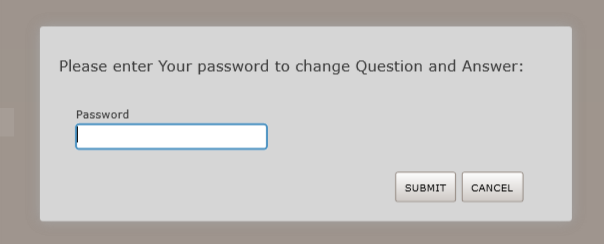
- Click Cancel to return user to previous page.
- If required fields are not populated, message will display and user will not be able to Save or Cancel until required fields data is entered.
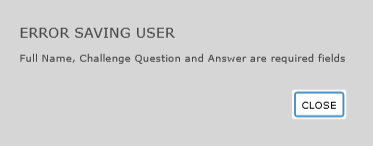
- Click Save to proceed with saving changes made to Challenge Question and Answer, enter password and click Submit:
- Changing a Password: Click Change Password checkbox to display change password fields.
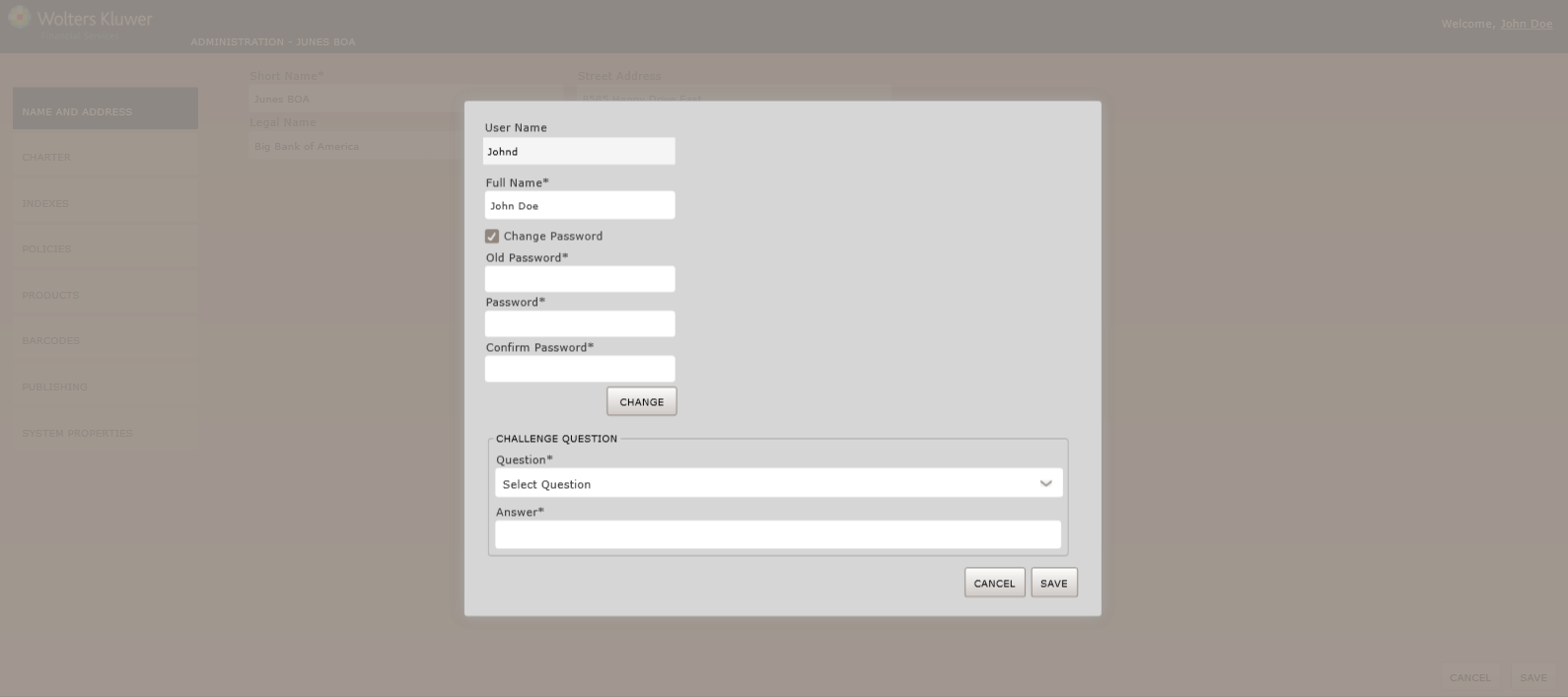
- Click CHANGE button. The system validates password requirements rules and displays messages to correct if validation fails. The following SUCCESS message appears when a new password is successfully changed:
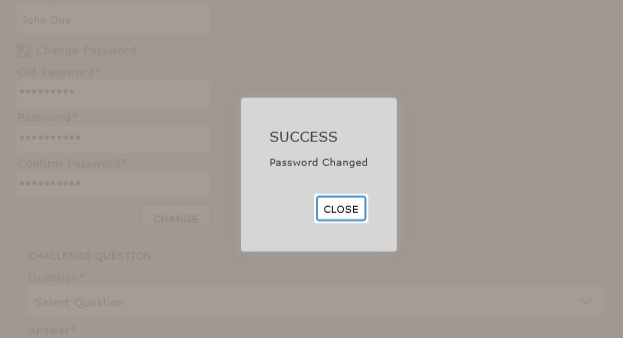
- Click CHANGE button. The system validates password requirements rules and displays messages to correct if validation fails. The following SUCCESS message appears when a new password is successfully changed: