Creating a New Custom View
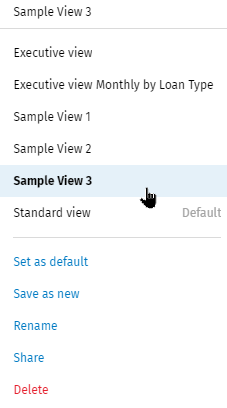
- Select Standard view or a custom view in the Views list.
- Make selections in the graph options lists and the grid filters. Sort the grids as needed.
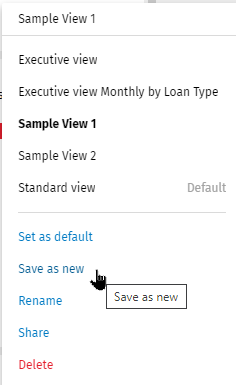
- Select Save as new in the Views list.
- Enter a name for the custom view and select Save.
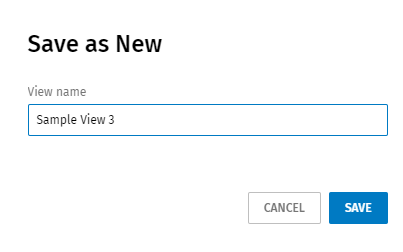 Note:The name of the custom view name should be unique. If an existing view has the same name, the view will be saved and the name will end with 'Copy.'Note:After saving, the view displays in the Views list.