Deleting a Template
A process template with a Draft state can be deleted.
- Select Process Templates under General Settings in the left pane.
- Select one of the following to delete a template:
- On the Process Template grid, select
 for a template with a
Draft state and select Delete. Select
Delete.
for a template with a
Draft state and select Delete. Select
Delete.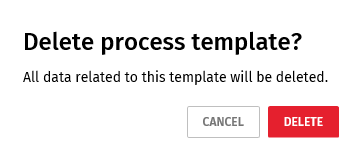
- Open a template on the Process Templates grid. Select and Delete. Select
Save to save the export in your downloads
folder or select Save As and locate a folder
to contain the export.
- On the Process Template grid, select