Setting a Custom View as a Default View
After a custom view has been created, it can be designated as a custom view.
- Select the custom view in the Views list.
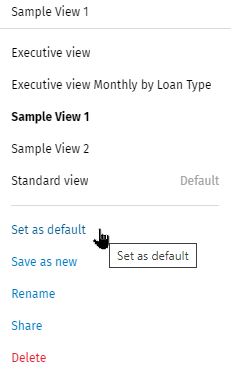
- Select Set as default in the Views list.
Note:
After the custom view is set up as a Default view, the new default view will display the
next time a user logs in. The current default view displays in bold
font.