Renaming Attachments
To rename an attachment added to a transaction, the user must be assigned the 'Rename Attachments' permission in Security Administration.
To rename an attachment
After renaming an attachment, the file displays in the Attachments grid with the updated name.
- On the Attachments grid, select
 next to a transaction and select
Rename.
next to a transaction and select
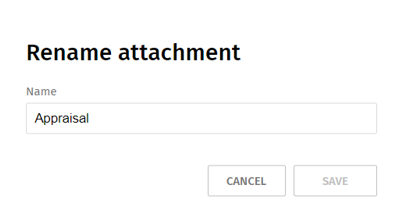
Rename. - Enter a new name for the attachment and select Save.
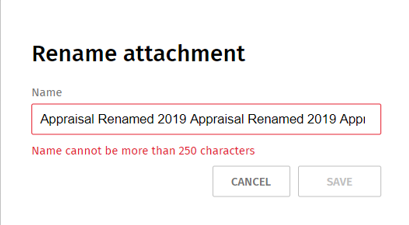
Name Size
The name cannot include more than 250 characters.
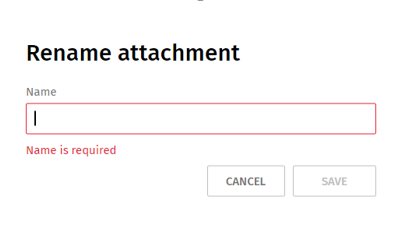
Name Requirements
A name is required for the attachment.
Note:
To find attachments, use the Search function. Enter a minimum
of three characters in the Search box  to
quickly find an attachment.
to
quickly find an attachment.
to
quickly find an attachment.