Updating/Creating a Party Record
After a template is selected, the Parties page displays where an existing party can be updated, or a new party can be created.
Updating an existing party
To verify a party is in your database, update an existing party.
- Select Update Existing Party and Select Party to update a party already in
the database.
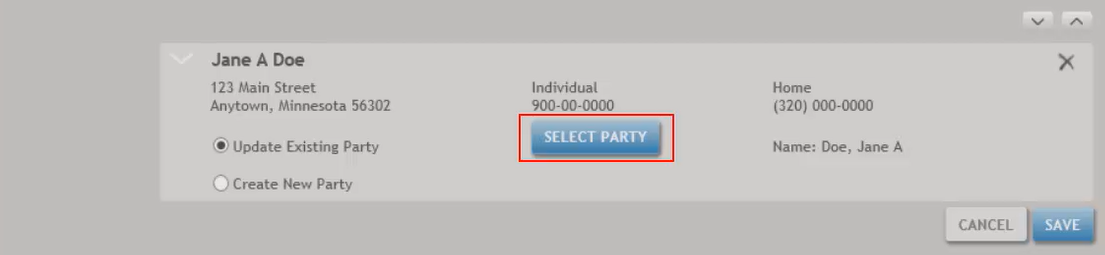
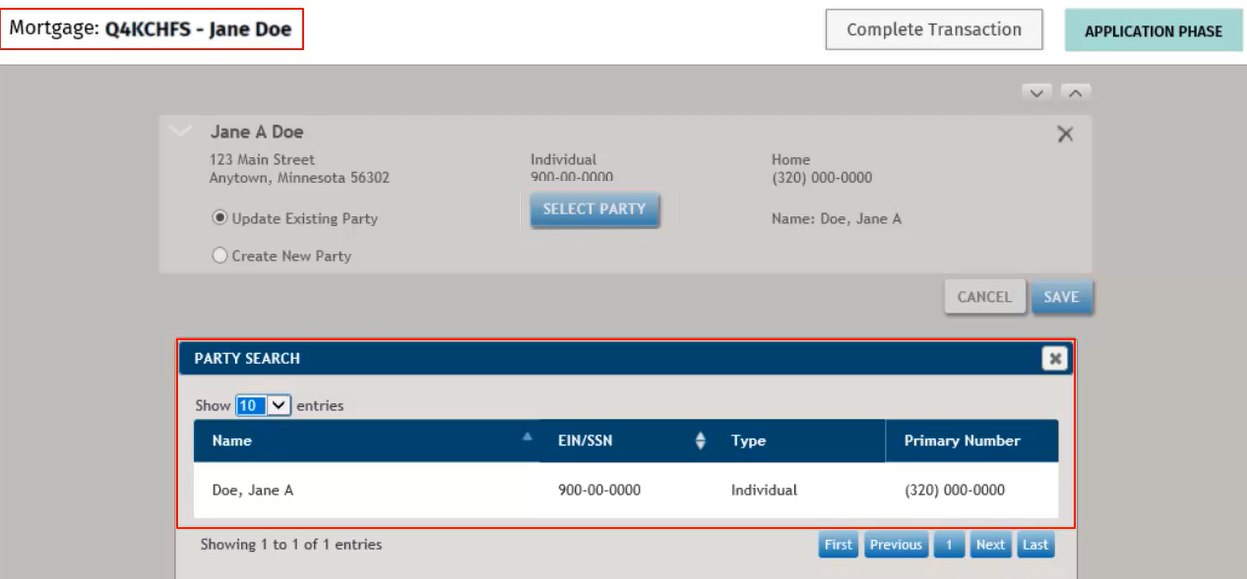
- Select the party record in the Search Party list that matches the borrower on the inquiry
and select Save.Note:If the party is not in your database, select Close and create a new party.
 Note:After selecting Save, the transaction opens with the inquiry ID and borrower name displaying at the top left. The inquiry ID can be changed in Loan Definition.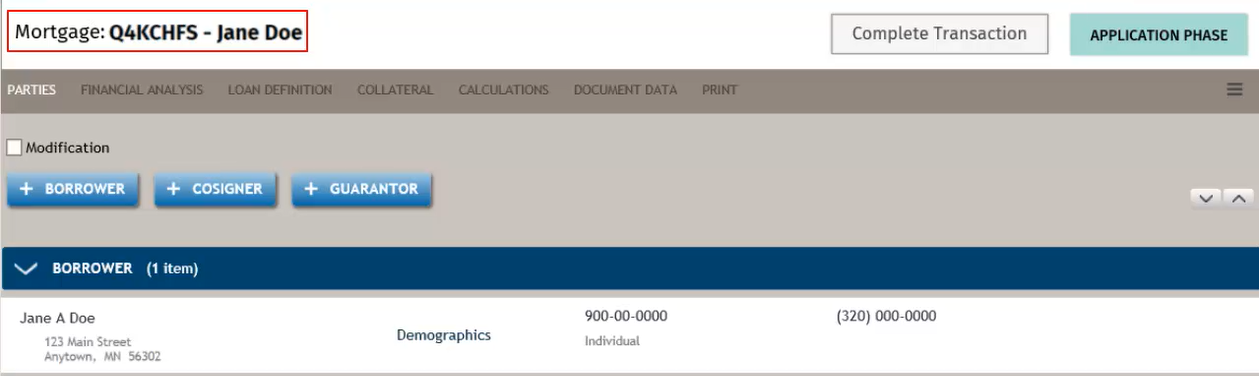
Creating a New Party
- Select Create New Party and Save to create a new party.
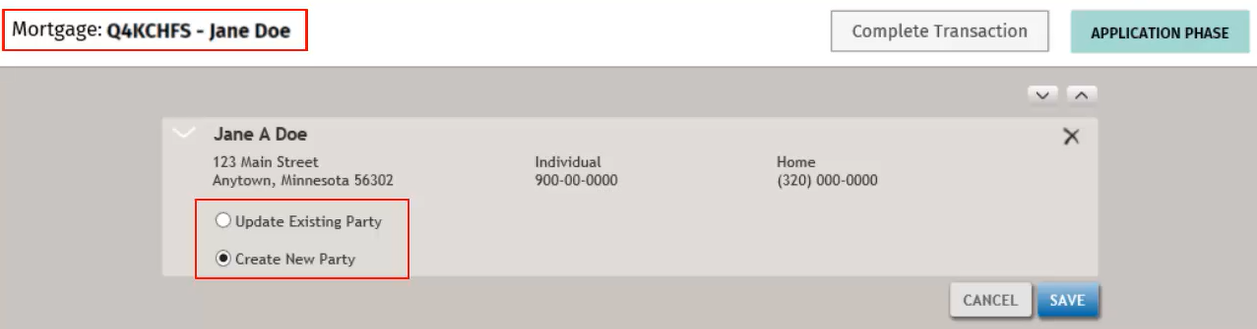 Note:After selecting Save, the transaction opens with the inquiry ID and borrower name displaying at the top right. The inquiry ID can be changed in Loan Definition.