Reassigning a Task
An assigned task can be reassigned from the Tasks grid or from the Task Details page.
- On the Tasks grid, hover over an assigned task, select
 , and select
Reassign. Select a person to assign to the task and select
Reassign.Note:In the Tasks grid, a name displays in the Assignee column for an assigned task. If the Assignee column does not display, select
, and select
Reassign. Select a person to assign to the task and select
Reassign.Note:In the Tasks grid, a name displays in the Assignee column for an assigned task. If the Assignee column does not display, select and
select the Assignee column.
and
select the Assignee column. - On the Tasks Details page, hover over an assigned task, select , and select
Reassign. Select a person to assign to the task and select
Reassign. Select Accessing the Task Details Page for Help information
about opening the Tasks Details page.
Note:
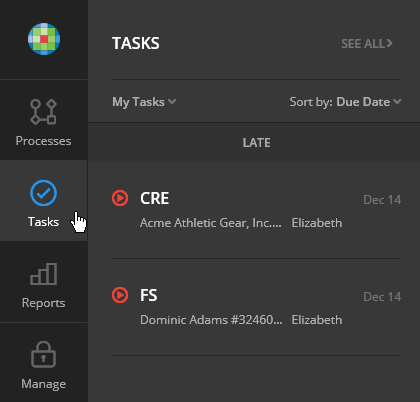
To see assigned tasks, select Tasks in the left pane. Select My Tasks in
the list.