Assigning a Task
An unassigned task can be assigned from the Tasks grid or from the Task Details page.
- On the Tasks grid, hover over an unassigned task, select
 , and select
Assign. Select a person to assign to the task and select
Assign.Note:In the Tasks grid, 'Unassigned' displays in the Assignee column for an unassigned task. If the Assignee column does not display, select
, and select
Assign. Select a person to assign to the task and select
Assign.Note:In the Tasks grid, 'Unassigned' displays in the Assignee column for an unassigned task. If the Assignee column does not display, select and
select the Assignee column.
and
select the Assignee column. - On the Tasks Details page, hover over an unassigned task, select , and select
Assign. Select a person to assign to the task and select
Assign. Select Accessing the Task Details Page for Help information
about opening the Tasks Details page.
Note:
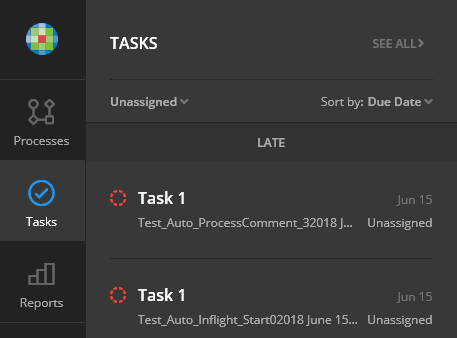
To see all unassigned tasks, select Tasks in the left pane. Select
Unassigned in the list.