Failed Import 7: Importing a Process Template having a custom field with the same name and a different type than the CASH Workflow field in the target account
In this scenario, a custom field in the process template has the same name but different type as a CASH field in the target.
Example: A process template has a custom field with Open Date for the name and Number for the type. The target account has a custom field created in CASH Workflow with Open Date for the name and Date for the type.
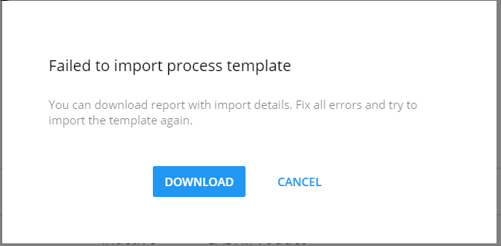
As a result, the import fails and a message displays with an explanation of the failure.

How do I solve this issue?
On the source account, remove the custom field with the Open Date name and the Number type from the process template or replace the field with a custom field with a different name. Complete the export process. Repeat the import process.