Renaming a Custom View
Note:
The Standard view cannot be renamed.
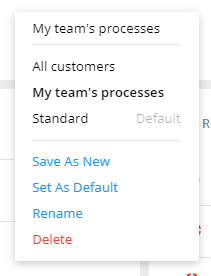
To rename a custom view and keep all the existing settings, open the view. Select Rename in the list. Enter a new name and confirm the change.
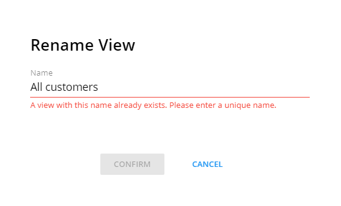
If the new name is an existing name, a message displays. A unique name must be entered before Confirm is available.
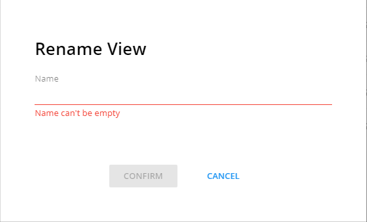
If Name is empty, a message displays. A name is required before Confirm is available again.
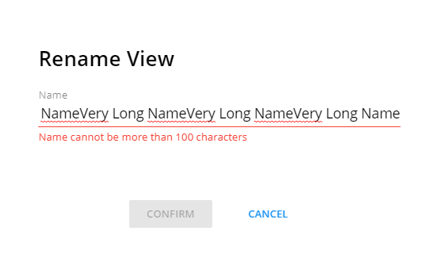
If the name is more than 100 characters, a message displays and Confirm is disabled. Shorten the name to 100 characters or less and Confirm will be available again.