Resetting Multifactor Authentication (TOTP) on the Authentication Code Page
To reset multifactor authentication on the Authentication Code Page
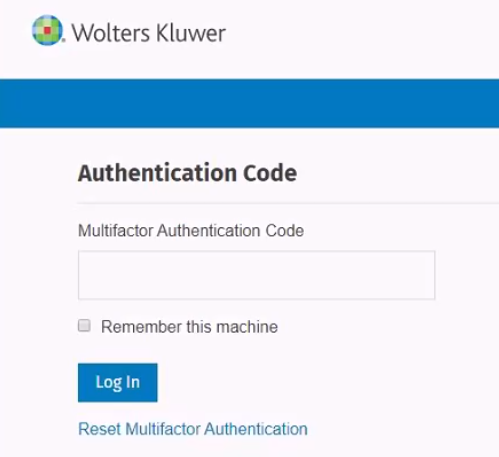
- Select the Reset the Multifactor Authentication link on the
Authentication Code page.
 Note: The confirmation message has been updated and will be displayed immediately after selecting the Reset Multifactor Authentication link. There is no longer a need to enter username.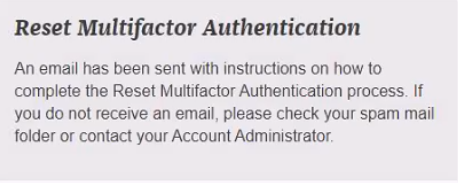
- Select the Reset Multifactor Authentication link in the email sent by
Wolters Kluwer.

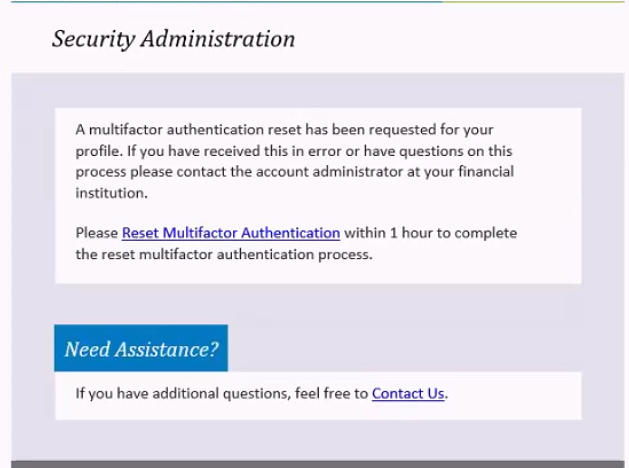
New confirmation message displays.
