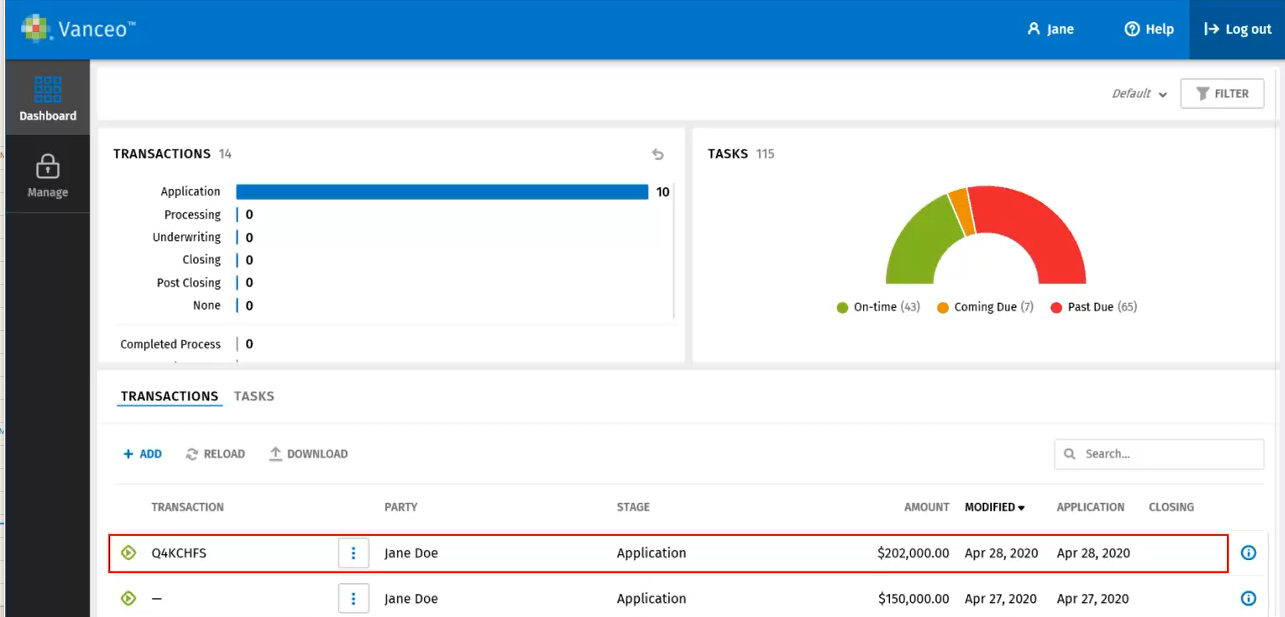
Moving an Inquiry to the Vanceo Dashboard
After inquiry is opened, it can be moved to the Vanceo dashboard.
Moving the inquiry to the Vanceo dashboard
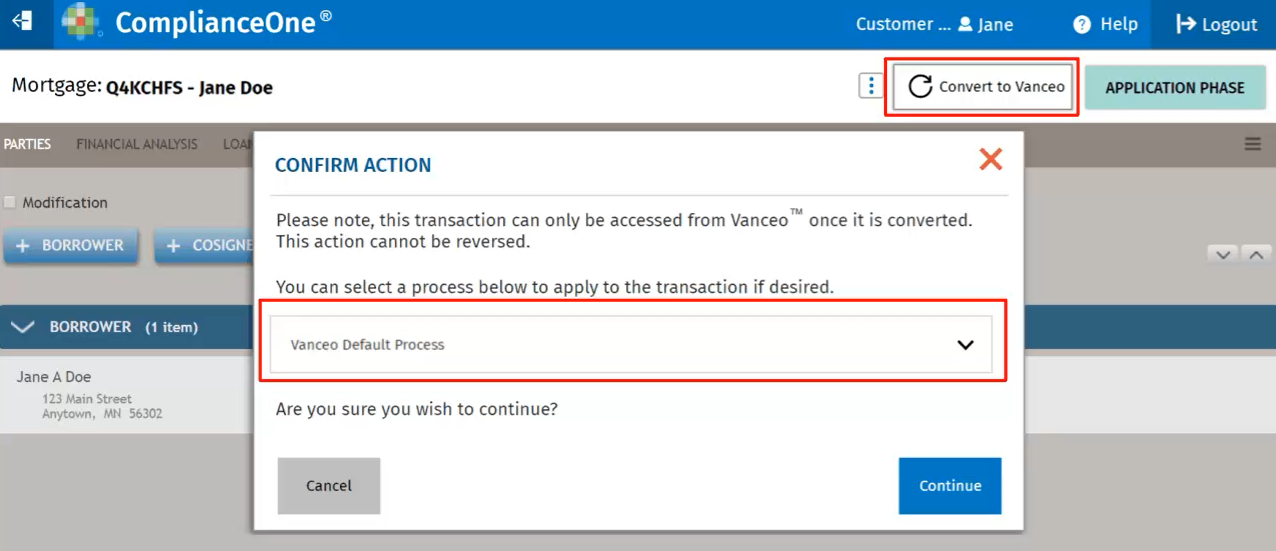
- On the home page, select the transaction and select Convert to Vanceo.
- Select a default process if applicable and Continue on the
Confirmation message.
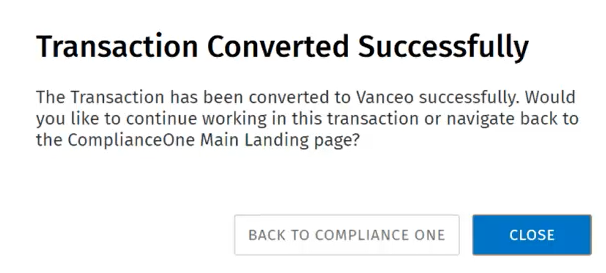
- Select Close to continue working on the transaction or select Back to
ComplianceOne to return to the home page.
- If you selected Close, complete the transaction in Vanceo Mortgage.
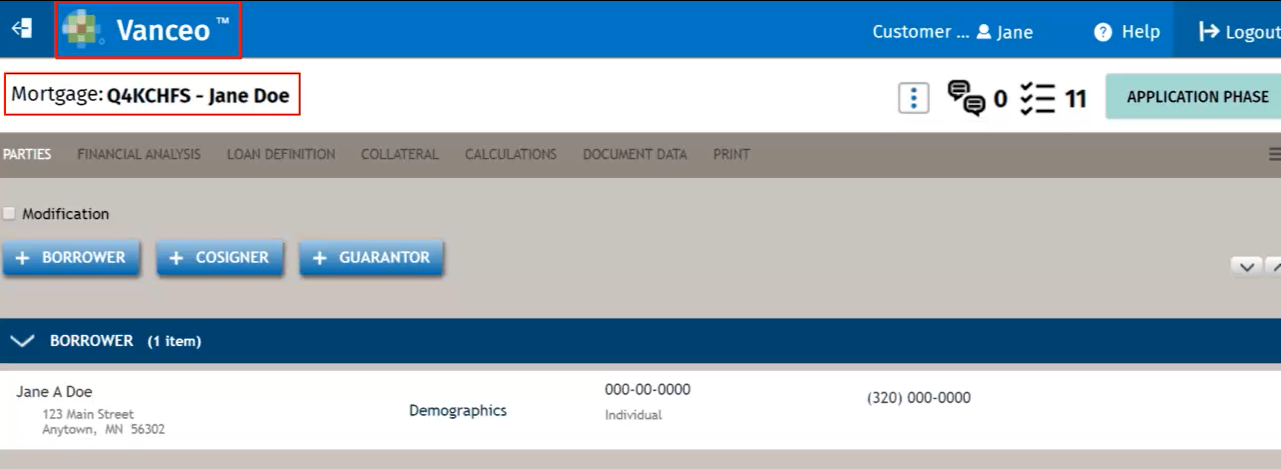
Accessing the inquiry from the Vanceo Dashboard
On the Dashboard, use the filters to locate the application.