Attachment Categories
Attachment categories organize documents into groups for easier management. Attachments display
on the Attachments tab when viewing a Transaction Summary.
Note:
For Help
information about attachments, select Attachments.
Adding a Category
- Select Attachment Categories under Vanceo Mortgage in the left pane.
- Select
 .
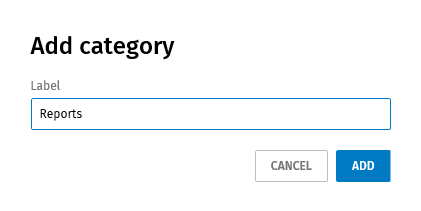
. - Enter a name for the category.
- Select Add.
Deleting a Category
- Select Attachment Categories under Vanceo Mortgage in the left pane.
- Select for a category and select Delete.
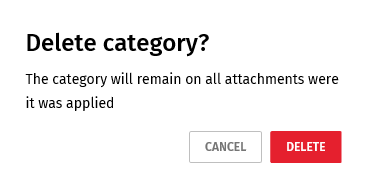
- Select Delete.