Assigning Interfaces
Assigning an interface enables the various interface features and options within
ComplianceOne. In the main navigation menu, select Manage and click Interface
Manager. At first, the Interface Manager page will be empty.
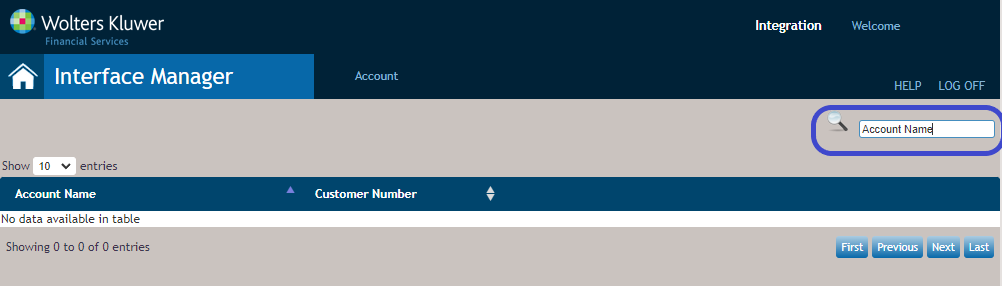
At this point, use the search feature to find the account(s) that you want to enable the
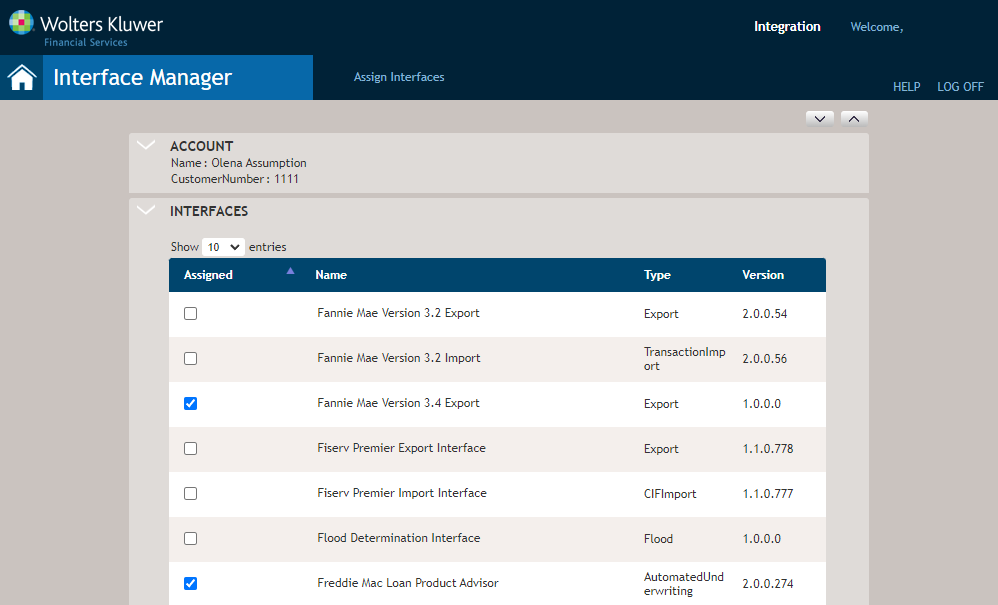
interfaces for and click the account in the list of accounts. When you open the account,
the Assign Interfaces page opens. Here is where you can enable and disable
interfaces for use by the selected account. Click Save when you have completed
your selections.
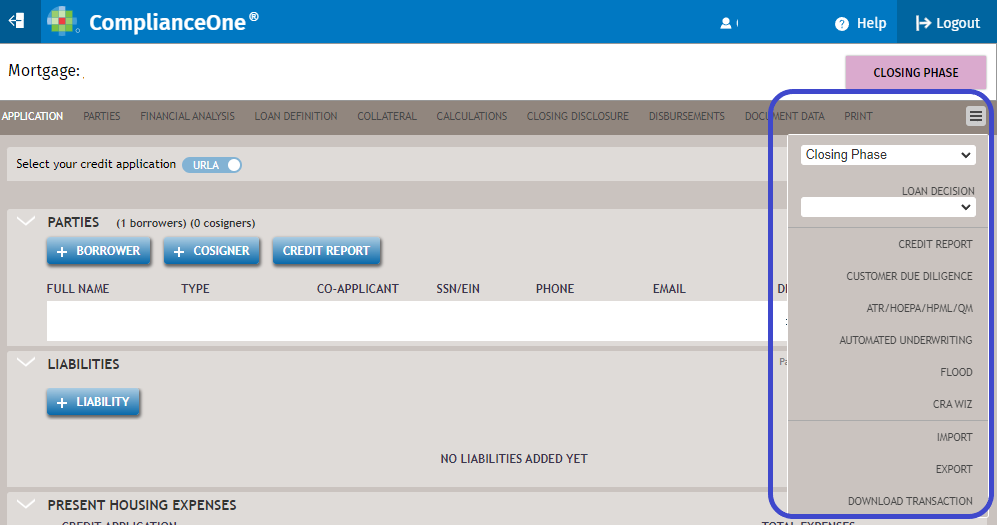
In ComplianceOne, with a loan transaction file open, click the menu on the far right of
the transaction menu to select an interface.