Removing a Survey
This procedure explains how to remove a survey from your hosted documentation.
-
Select Tools > Survey Creator.
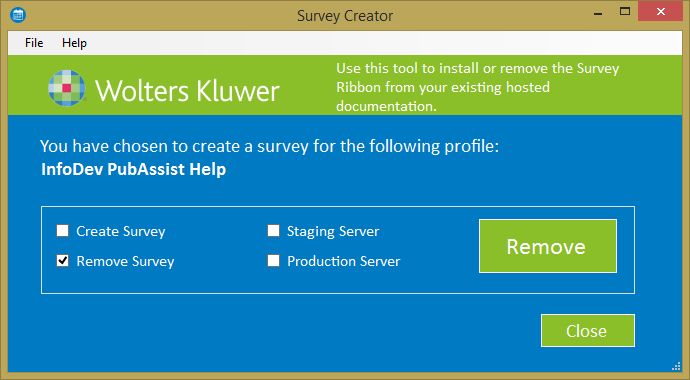
The Survey Creator window is displayed.
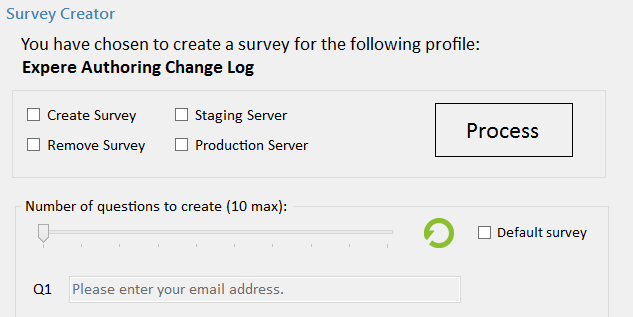 Note: Notice that the text at the top of the blue section verifies the selected profile.
 -
Select Remove Survey.
After selecting Remove Survey, the Remove button is displayed.