Phase
Adding  to a
template helps organize tasks/decisions/gates into phases.
to a
template helps organize tasks/decisions/gates into phases.
Adding a Phase
- Select and drag to the template diagram.
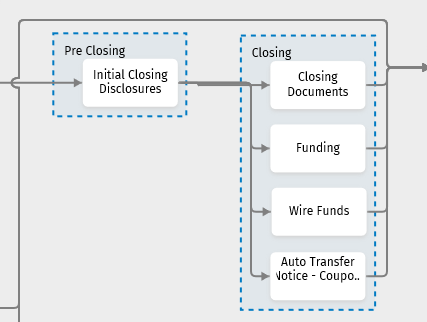
- Resize the phase border to include the tasks, decisions, gates, and stops you want included in the phase. Each phase must include a minimum of one task.
- Correct any errors. For Help information, select Errors.
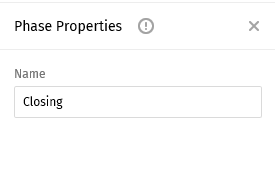
- Complete the Properties pane.
Properties Pane
Select a name for the phase. The phase name displays within the phase border.