Importing a Template
- Select Process Templates under General Settings in the left pane.
- Select
 at the top of the Process Templates
grid.
at the top of the Process Templates
grid. - Locate and select the json file. Select Open.
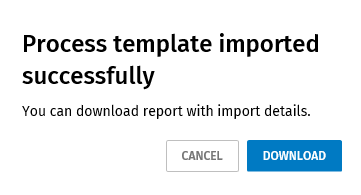
- After the import operation is completed, select Download save the log file with the details of the import operation. You cannot download the file later. You must download at this step if you want to save the file. If you don't want to download the file, select Cancel to close the import.