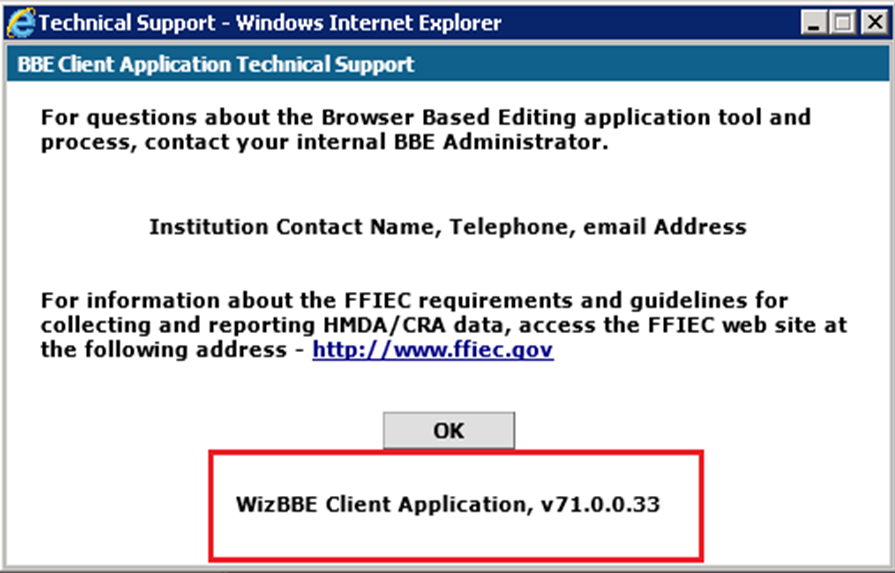
Confirming Installation
How to verify the update
To confirm the installation of the BBE update:
-
Launch Internet Explorer and browse to your BBE client home page.
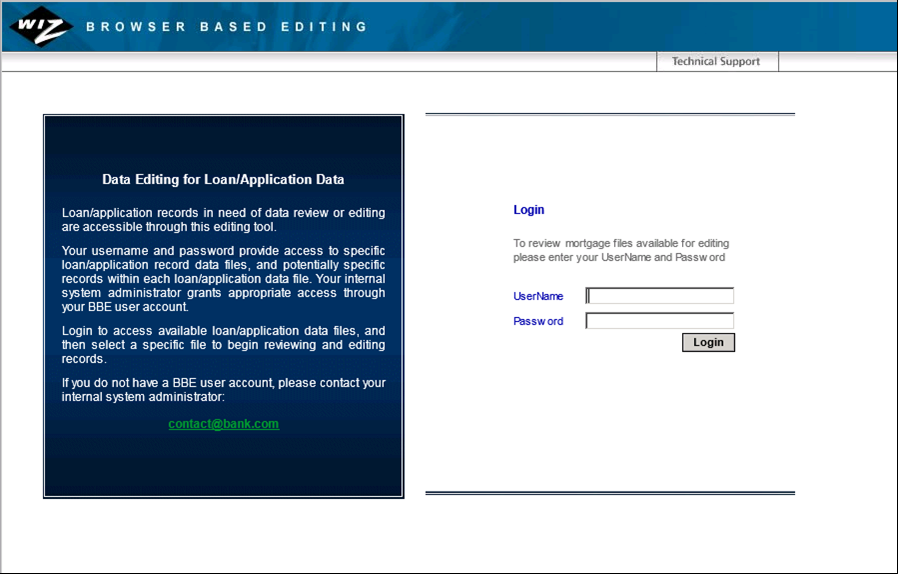
-
Click the Technical Support link located at the top right of the
screen.
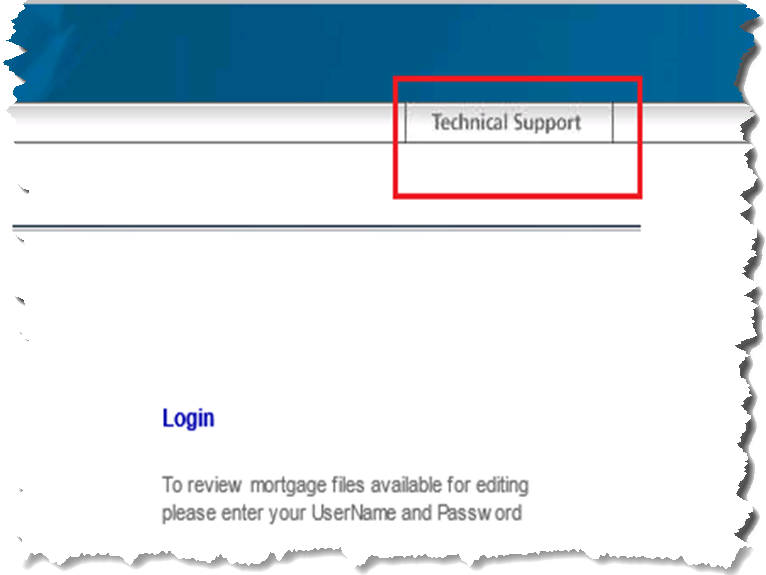
Internet Explorer displays a dialog box: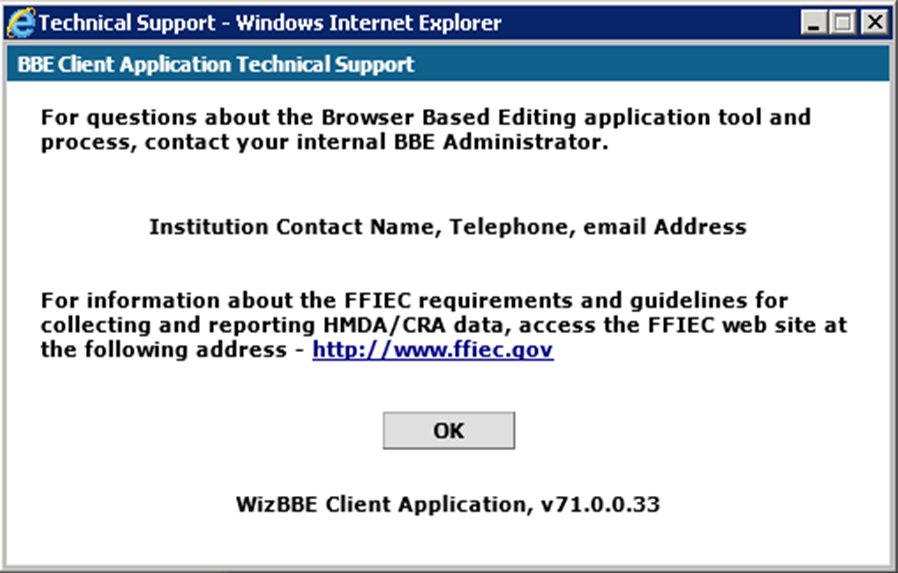
-
Verify the displayed version number: