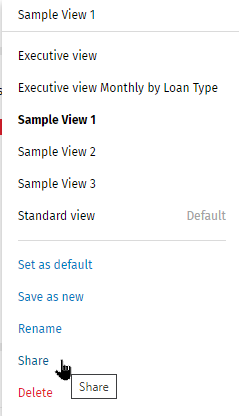
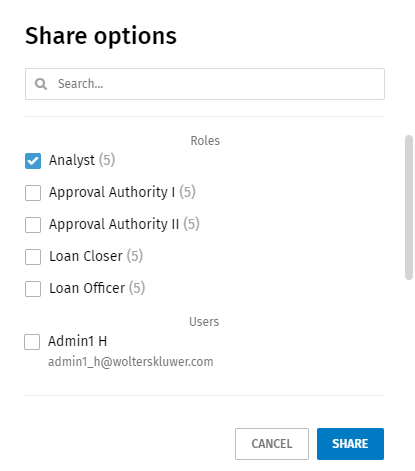
Sharing a View Select a custom or shared view. Select Share in the Views list. Select the roles and user to receive the shared view.Note: Use Search to find a user. Note: The view is shared with each user belonging to a selected role and to each individual select user. The shared view will display in the Views list for each user. To set a shared view as a default view, select the view and select Set as default in the list. Only the owner of a view owner can modify, rename, or delete a shared view.