Resetting a View
After a Standard or Custom view has been changed, a view can be reset to the last save state by any of the following methods:
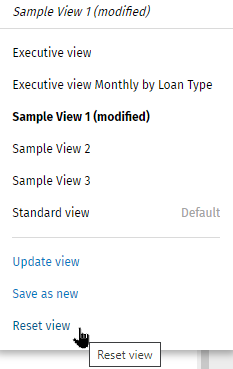
- At the bottom of the View menu, select Reset View.
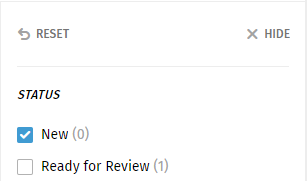
- At the top of the Facet filter panel, select Reset View.
- Re-select the same view from the Views list.