How do I add information to the Present Housing Expenses section?
A separate row is created automatically in the Present Housing Expenses section for each borrower and cosigner added to the loan. If you have two parties that are co-applicants, one instance of Present Housing Expenses displays for the joined parties.
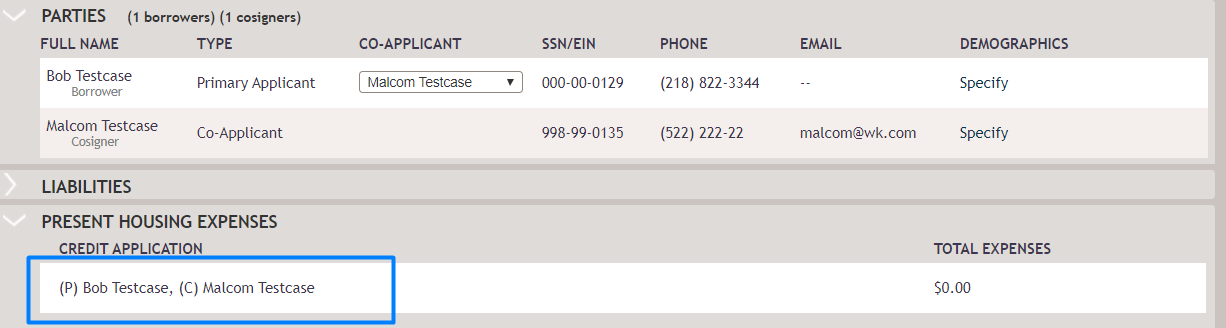
After selecting a row in the Present Housing Expenses section, enter the actual values in the
dialog box that displays. The Rent, Mortgage, Other Financing and Other Housing
Expense fields in the dialog box default from the Liabilities section. If you
change a value, the value will no longer default from Liabilities.
Note:
All the
entered Present Housing Expenses print to the Credit Application Real
Estate. However, only Rent prints in section 1 of the Uniform Residential
Loan Application.