Adding Documents
Documents can be added and sent with a WK E-Sign package. Add documents when you are ready to send a package using WK E-Sign. Added documents will not be saved with the transaction in ComplianceOne after you leave or refresh the Print page.
- Select Add Documents.
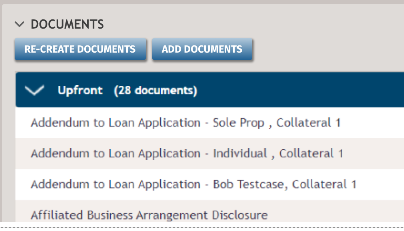
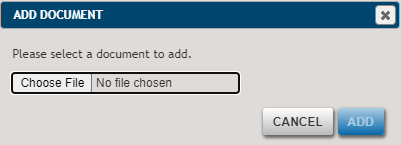
- Select Choose File. Locate and select the file.
- Select Add.

Note:
Attached
documents will not be interactively signed as they are not programmed with
e-signable lines in ComplianceOne. You can sign added documents using a
package level signature, or by using the WK E-Sign program outside of
ComplianceOne to prepare documents for signatures.