Selecting Columns to Display and Sort
- Select Columns
 .
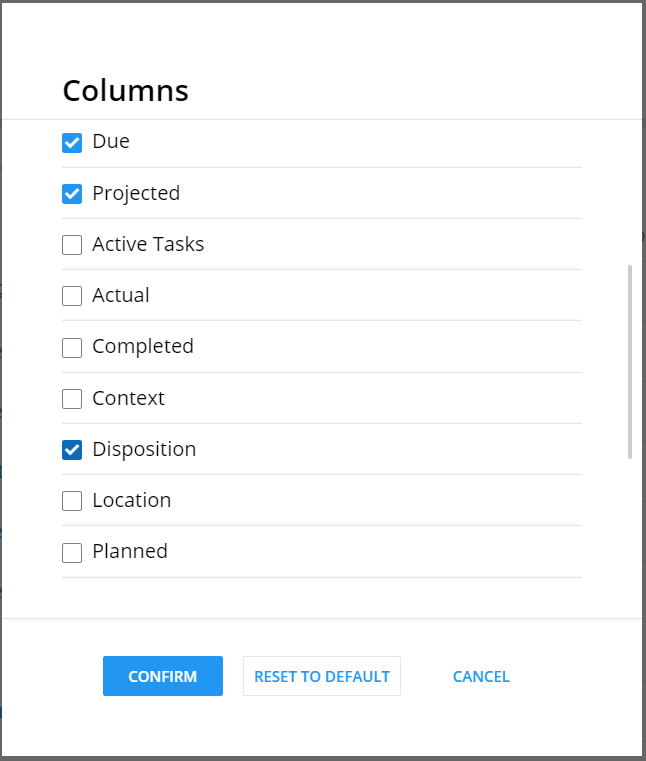
. - Select the columns to display. Scroll to view all the columns.
- State
- Name
- Customer
- Account Rep
- Amount
- Phases
- Due
- Projected
- Active tasks
- Actual
- Completed
- Context
- Disposition
- Location
- Planned
- Process Type
- Product Type
- Progress
- Started
- Stopped
Note:The State and Name columns are required and cannot be removed from a grid. - Select Confirm to save changes and display the selected columns in the
grid.
Note:
Select a column heading to sort the column in a descending or ascending order.