Manual Data Entry of Application Data into ComplianceOne
Some application data submitted from OLA must be entered manually as it will not be imported. In Reviewer Portal on the History tab, select the title of an inquiry to view and download a PDF of the application. Review the following sections and enter the data manually as applicable.
Application Data
- Housing Expenses: This information entered in by an applicant will not flow to the Financial Analysis page but will flow into the application form (URLA or UCA-RE). Enter the information manually into the Financial Analysis page for other documents. After the data is manually entered, the information on the application will update.
- Collateral/Second Address Line: If the applicant entered data on the second address Line for collateral, enter it manually on the Collateral page because the data will not flow into mortgage.
Refinance Loan Transaction
Review the following fields if an applicant wants to refinance a loan transaction.
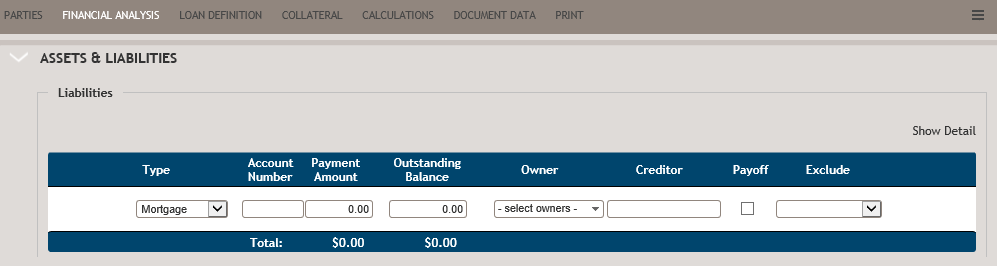
In the Liabilities section on the Financial Analysis page, enter the mortgage to be paid off to ensure the Refinance Language prints on the Promissory Note.
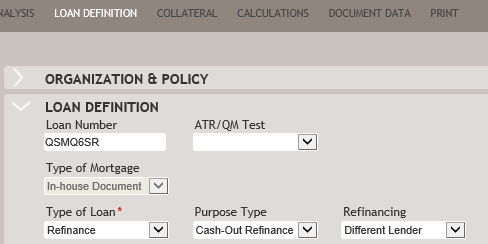
Purpose Type: The list defaults to Cash-Out Refinance. Review this option and make changes if needed.
Refinancing: This list defaults to Different Lender. Review this option and make changes if needed.