Deleting a Custom View
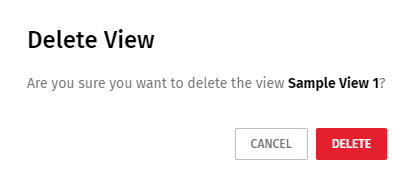
A custom view can be deleted. Deleting a custom view is not reversible, so a confirmation message displays to confirm the removal.
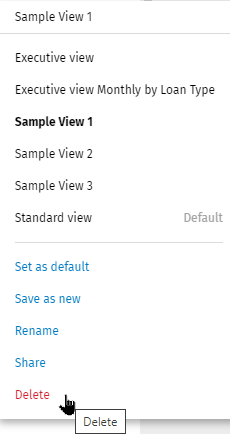
- Select the custom view in the Views list.
- Select Delete in the list.
- Select Delete to confirm the deletion.
Note: The Standard View cannot be deleted. If a custom view is deleted that was set as a default,
the Standard View is automatically set as the default.