Deleting Attachments
- A single or multiple attachments can be deleted.
-
To delete an attachment from a transaction, a user must have the 'Delete Attachments' permission assigned in Security Administration.
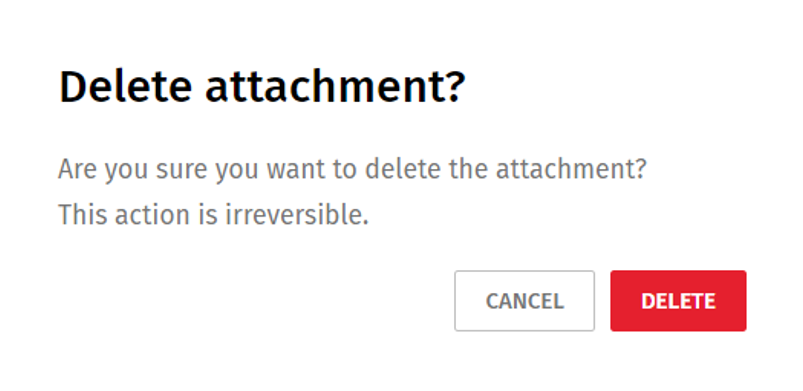
To delete a single attachment
- On the Attachments grid, select
 next to a transaction, and select
Delete.
next to a transaction, and select
Delete. - Select Delete to confirm the deletion.
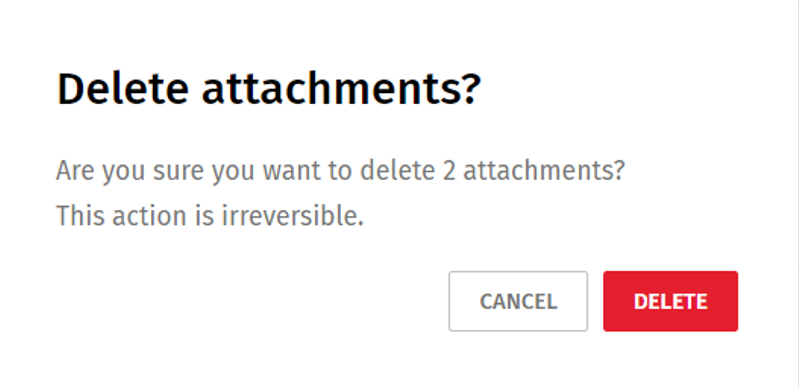
To delete multiple attachments
- On the Attachments grid, select the attachments to delete.

- Select
 at the top of the Attachments
grid.
at the top of the Attachments
grid.
- Select Delete to confirm the deletion.
Note: To find attachments, use the Search function. Enter a minimum of three
characters in the Search box  to quickly find an attachment.
to quickly find an attachment.