Managing Organizations / Sample Organization
Managing Organizations
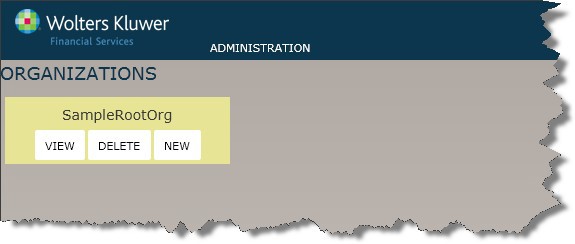
After you login, move your cursor over the root Organization on the upper left-hand side of OPPSA to display the View, Delete, and New options for working with your organization hierarchy. The root organization, also known as the top-level organization, is at the top and subordinate organizations branch-off below it.
Use these options as follows:
- View: Display the selected Organization information on the Name and Address page, where you can and make changes if necessary.
- Delete: Delete the selected Organization.
- New: Create a new Organization at the selected level. See the procedure below for more information.
Note: Before deleting an organization, you must delete the policy and product information assigned to that organization. You cannot delete an organization with children. You must delete the child levels in order to delete the organization.
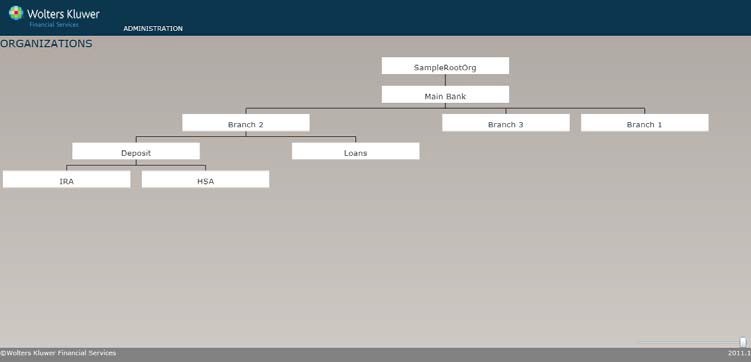
Sample Organization
The pageshot below shows how Main Bank,which was created first, and Branches2, 1 and 3 created from Main Bank level as children, and so on.