Creating an Organization
This section describes how to create a new organization. Move your cursor over the root organization and click New. The Organization Name dialog box appears. Enter a name for the organization and click OK. The Name and Address page appears.
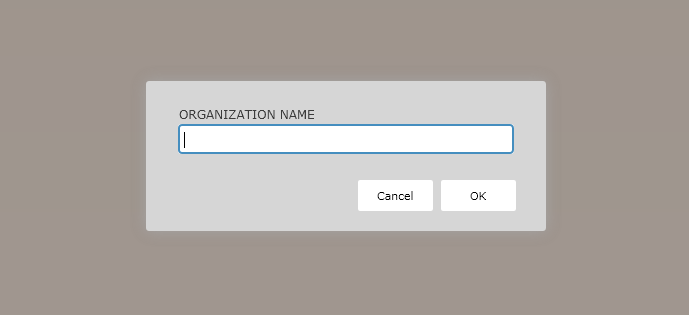
Note: Organization Name is limited to the following characters. Use of any other characters
will result in errors displaying.
- alphanumeric characters
- apostrophe
- dash
- ampersand
- period
- underscore
Name and Address page
The Name and Address page allows you to enter the following information for the organization:
- Legal Name
- Address
- Phone Numbers
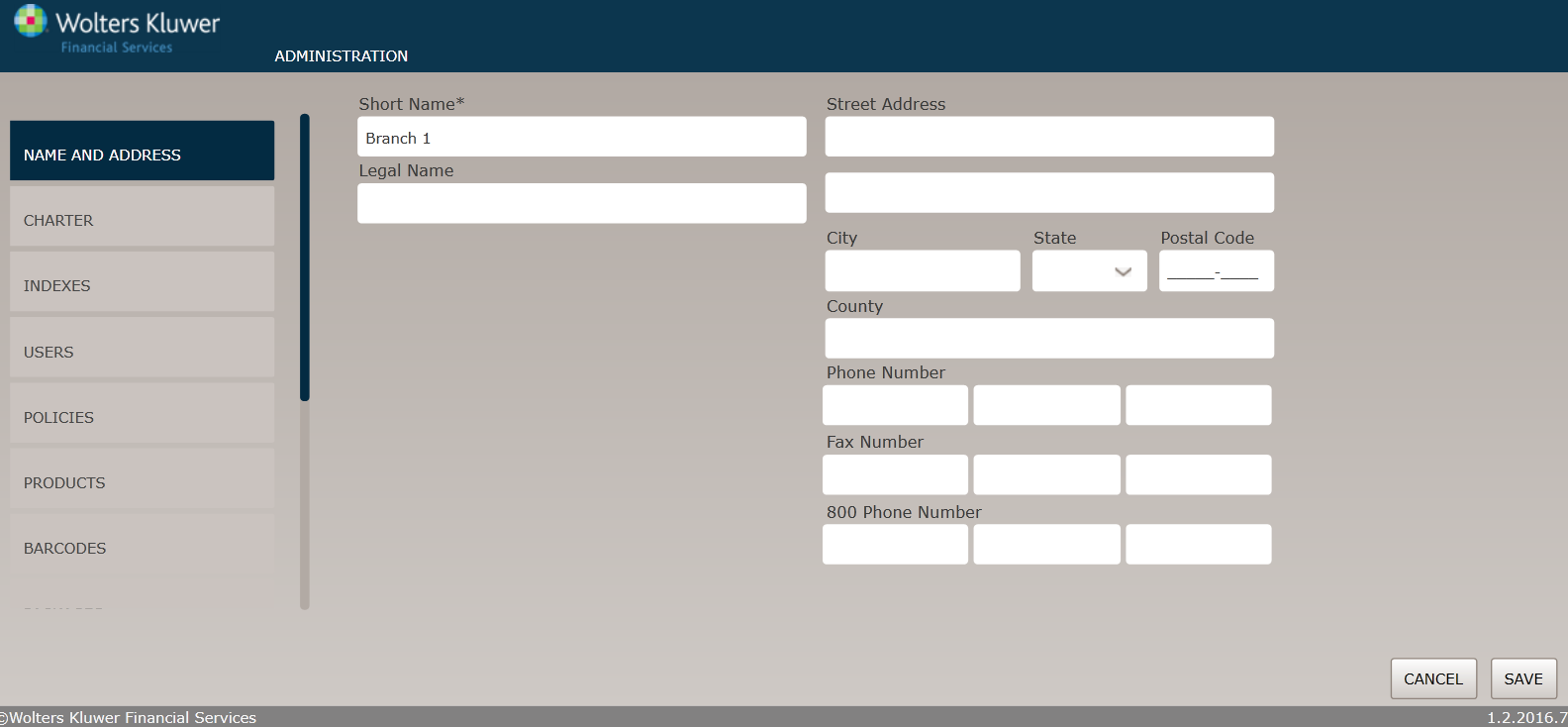
Enter the following information:
- Legal Name, Contact Name, Contact Title
- Street Address, City, State, Postal code, County
- Phone Number, Fax Number, 800 Phone Number
- Click Save. Click Cancel to return the Organizations page without saving.
Charter page
The Charter page allows you to specify detailed information regarding the organization type.
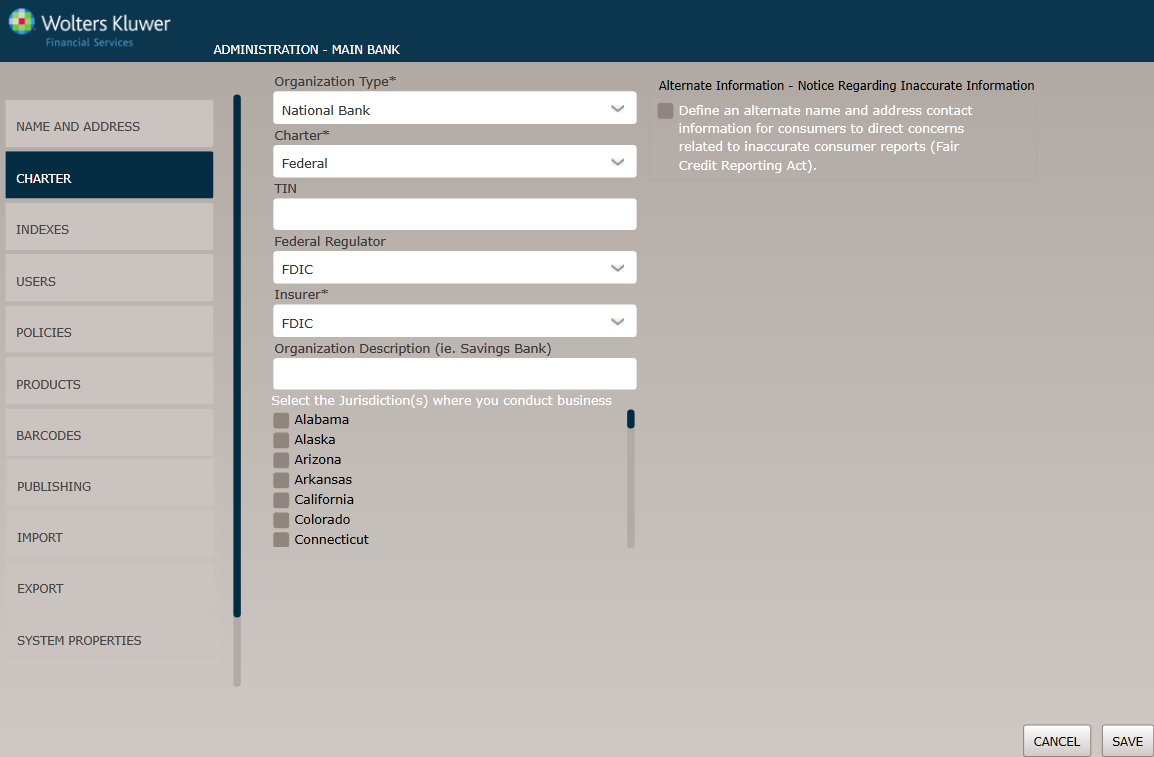
- In the Organization Type dropdown box, select one of the available options.
- n the Charter dropdown box, select one of the following: Federal, State.
- Enter a TIN. For data privacy reasons, after data is entered in this field, the value is masked with asterisks.
- In the Federal Regulator dropdown box, select one of the following: FRB, FDIC, OCC.
- In the Insurer dropdown box, select one of the following Insurer(s): FDIC.
- Select the desired Jurisdiction(s) by clicking the state in the checkbox.
Indexes page
The Indexes page allows users to specify indexes for the organization.
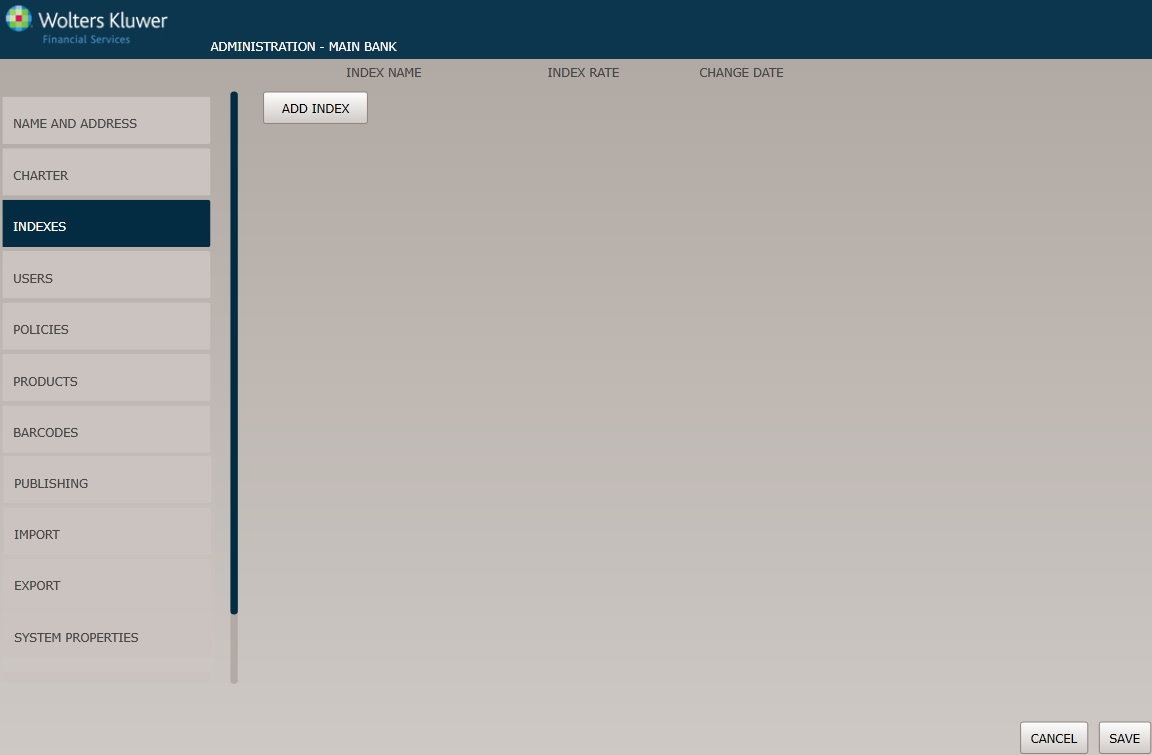
- Click an existing index to edit it or click the Add Index button to create an index.
- Complete the following information: Index Name, Index Rate, Change Date.