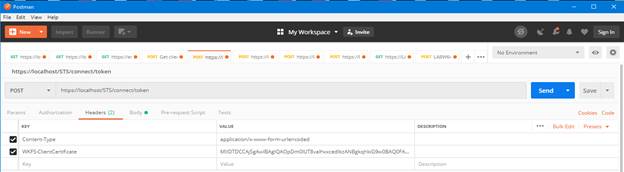
Add a key named Content-Type with the value
application/x-www-form-urlencoded.
Add a key named WKFS-ClientCertificate with the value of the Base64
encoded cert created above.
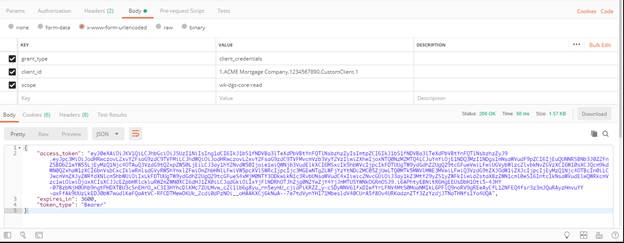
Click the Body tab.
Click the x-www-form-urlencoded button.
Add a key named grant_type with the value client_credentials.
Add a key named client_id with the value of the Client ID created in
Security Administration.
Add a key named scope with the value of the scopes added to the database.
Separate the scopes with spaces.
Click Send.
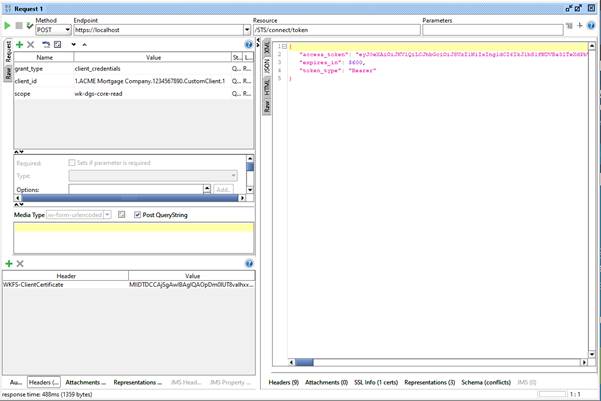
You will receive a response containing an access_token. Copy this token to the
clipboard and use it as the Bearer token to your requests to DGS Core, EZ Config
Packages and Packets, or EZ Config Default Data.