Resetting Multifactor Authentication (TOTP) on the Authentication Code Page
To reset multifactor authentication on the Authentication Code Page
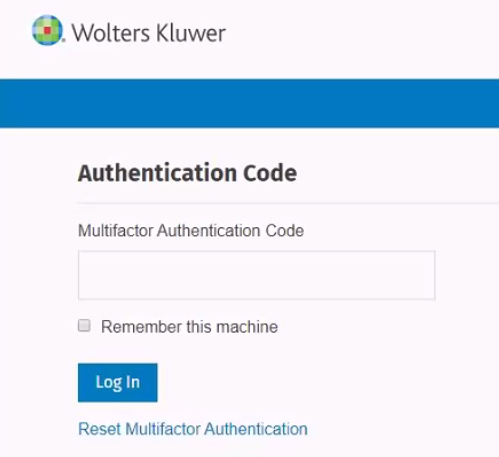
- Select the Reset the Multifactor Authentication link on the
Authentication Code page.
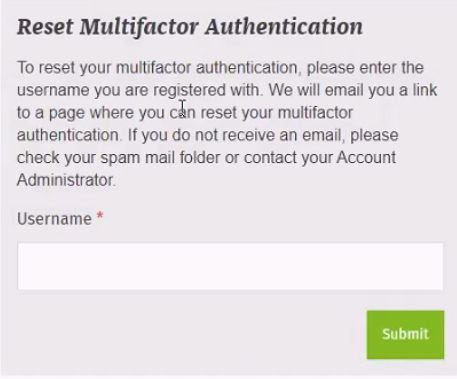
- Enter the username used to log in to the Wolters Kluwer
application.
 Note: A confirmation message displays after you enter the username.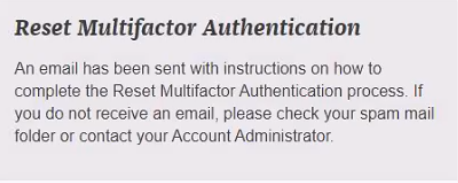
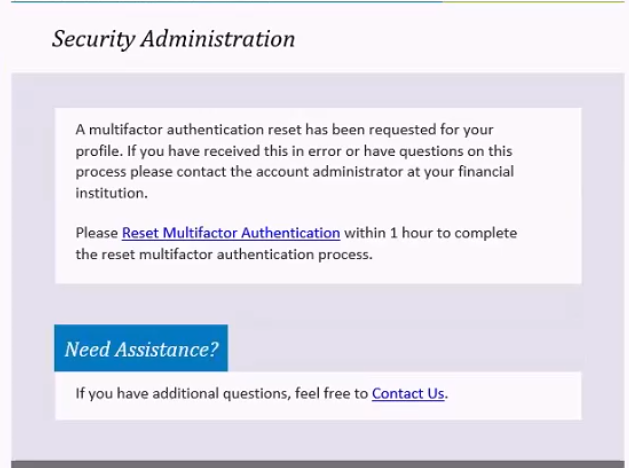
- Select the Reset Multifactor Authentication link in the email sent by
Wolters Kluwer.

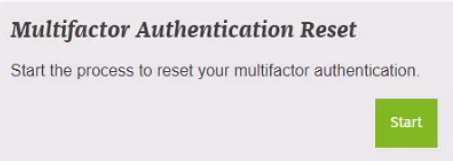
- Select Start on the Multifactor Authentication Reset
message.
- Answer the challenge questions on the pages that display.
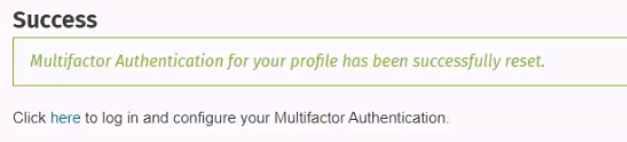
- Select the here link to log in and configure your multifactor
authentication on the Success page that displays. Select To use
multifactor authentication for Help information about configuring
multifactor authentication.
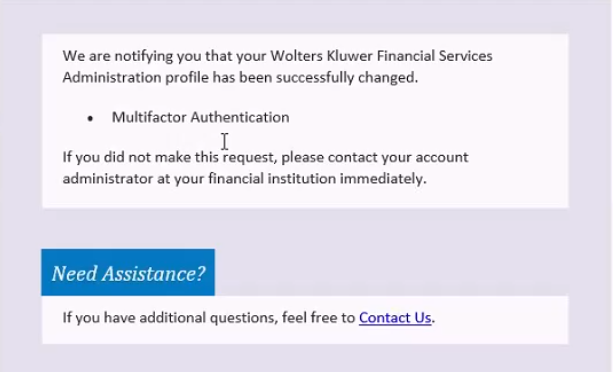
 Note: You will receive an email confirming the multifactor authentication reset.