Quick Setup
Get up and running quickly with default settings.
Quick Setup is designed to set all required folder locations with one click.
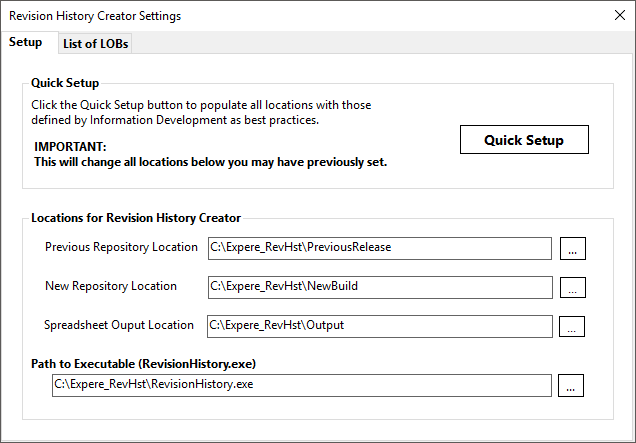
CAUTION: Clicking the Quick Setup button overwrites any existing folder locations.
Revision History Creator requires specific folders to be in place while creating the Revision History workbook
Clicking Quick Setup sets all required folders to be set to the following default locations.
| Folder Location | Description | Default |
|---|---|---|
| Previous Repository Location | The folder holding the old repository being compared to. | C:\Expere_RevHst\PreviousRelease |
| New Repository Location | The folder containing the new repository. | C:\Expere_RevHst\NewBuild |
| Spreadsheet Output Location | The folder to which the Revision History spreadsheet is placed after creation. | C:\Expere_RevHst\Output |
| Path to Executable | The folder location containing RevisionHistory.exe. | C:\Expere_RevHst\RevisionHistory.exe |